
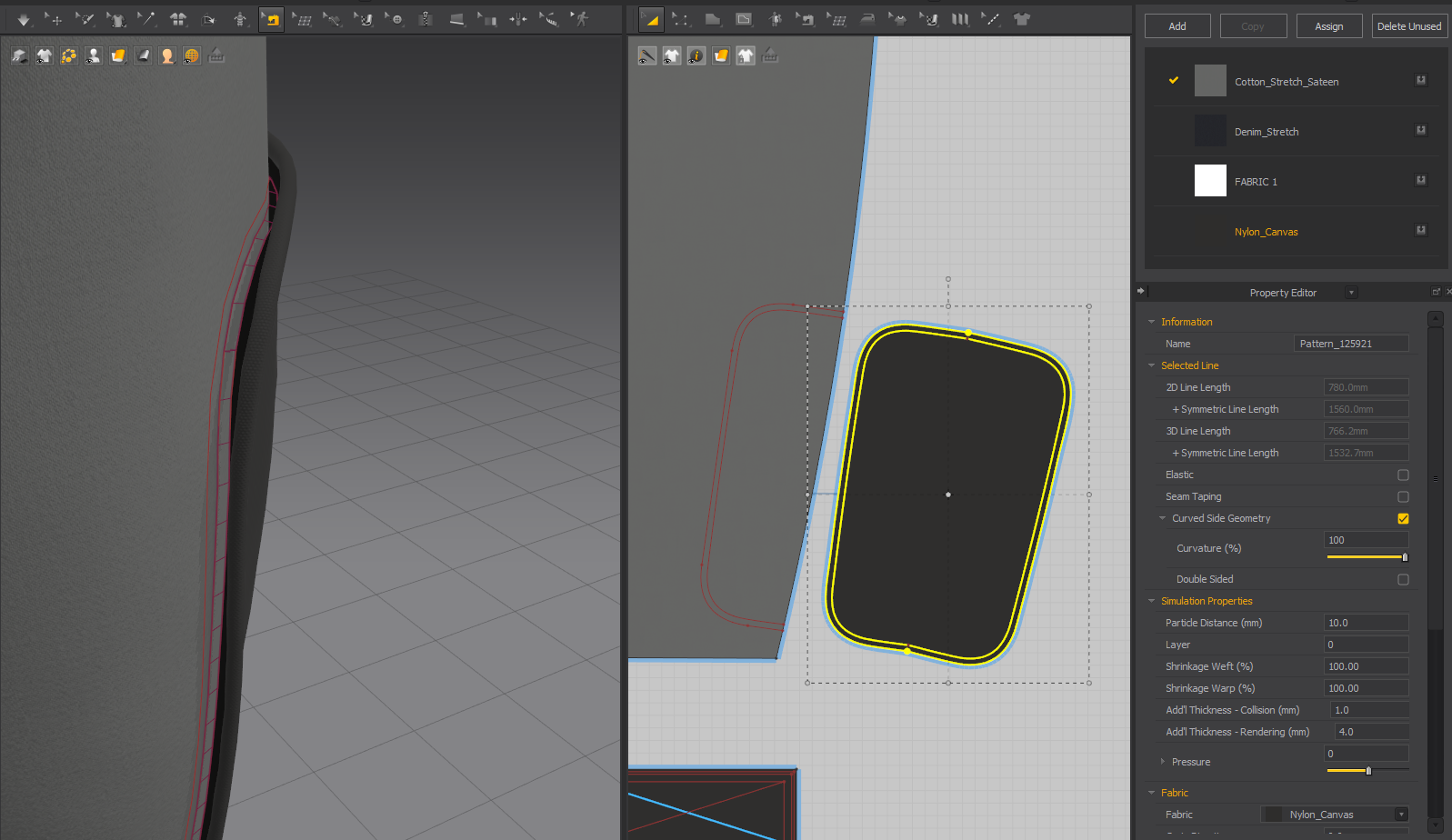
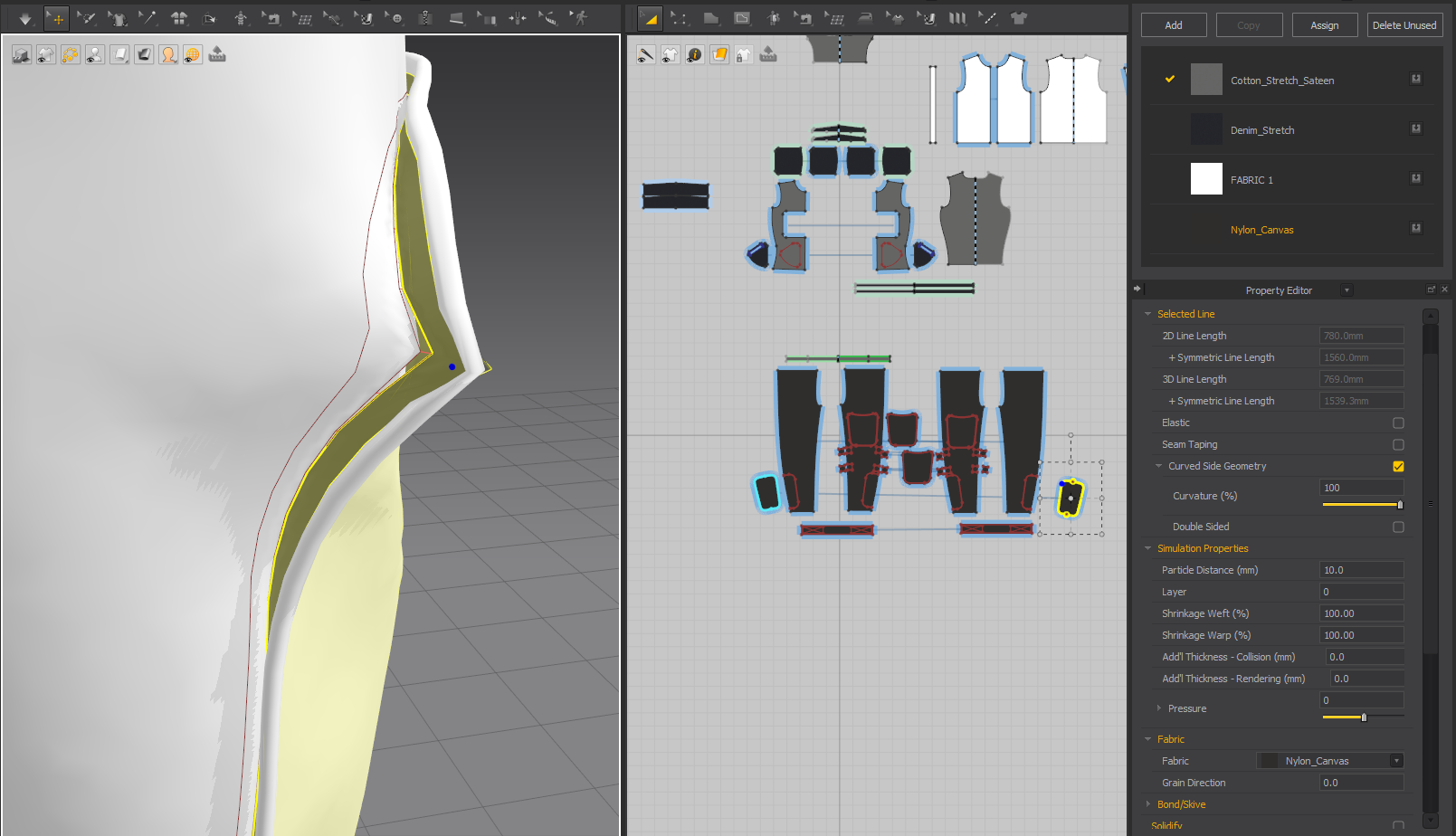
I've been using MV for a few months, every time i ran into this issue, "patches" refuse to stitch regardless of collision thickness images below, the avatar is not too small (210cm), changing fabric don't not affect this issue, I'm trying to achieve a simple double stitch patch like here: https://youtu.be/wMVQCD5_uc0?si=Xf6GH4sMne1G6u3r keep in mind this is one example and the same issue is present even if the internal line is fully inside like in the video, i can't stitch numbers, patches, names or any other layered pattern, in an early stage like this is not an issue but i have to work on a plate carrier vest next and can't put a 3rd project on hold because of this, i can't figure out if this is a bug or not, none of the solution on this forum ever fixed it
- ● Marvelous Designer Version (ex: 7.1.111) : 7.3.83
- ● OS Type : Windows 11
- ● Mac Model Name (for mac users only) :
- ● CPU : Ryzen 5 2600x
- ● Graphic Card : Gigabyte 2060 super oc
Hi Valy
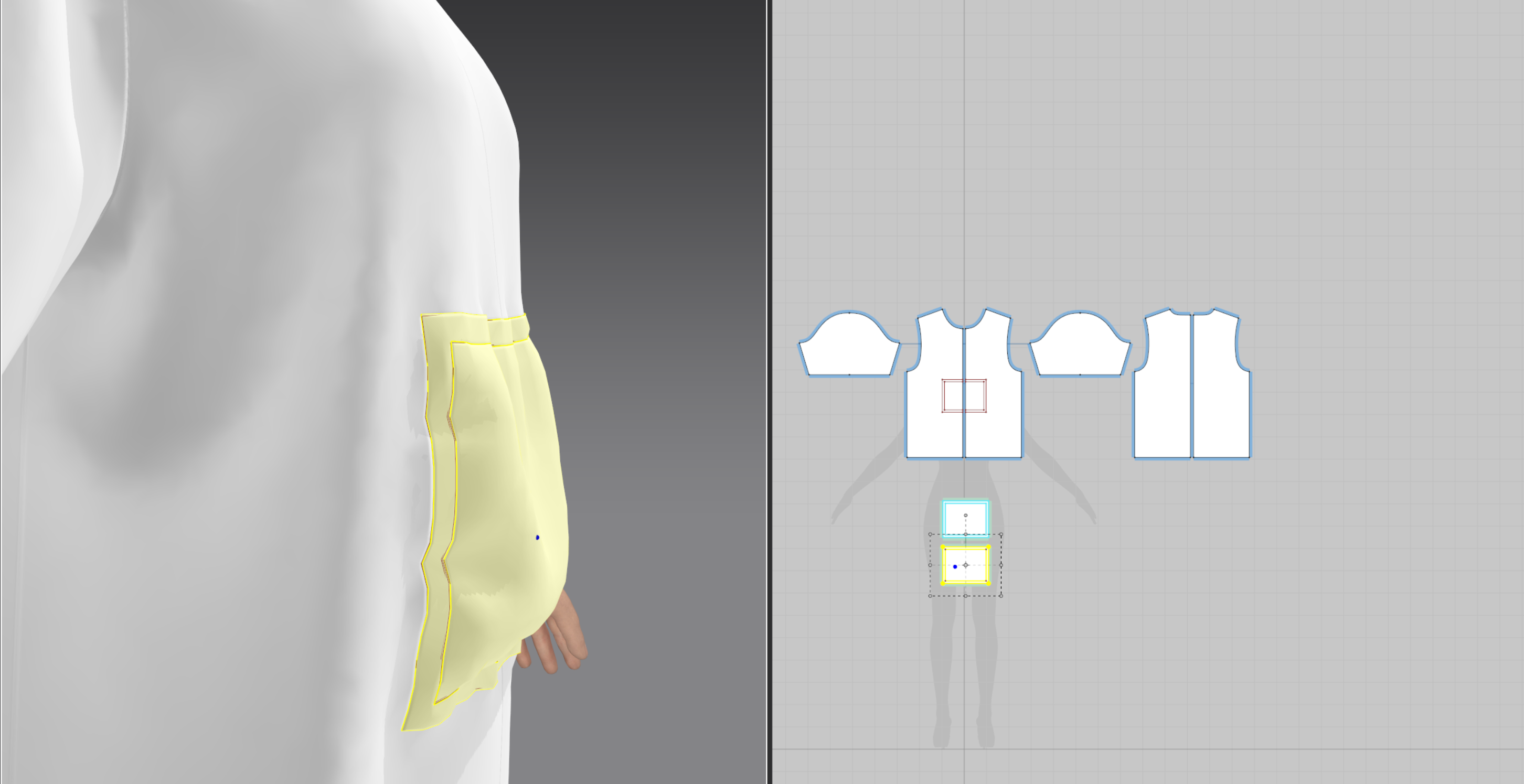
In the first picture i see you only sew the internal line, not both. Please confirm both lines are sew. The outter line and the internal line.
Then, make the clone under or over as the video you shared. Make sure the normals are set in the right direction. I make an example below.
Let me know if you persist with this issue.
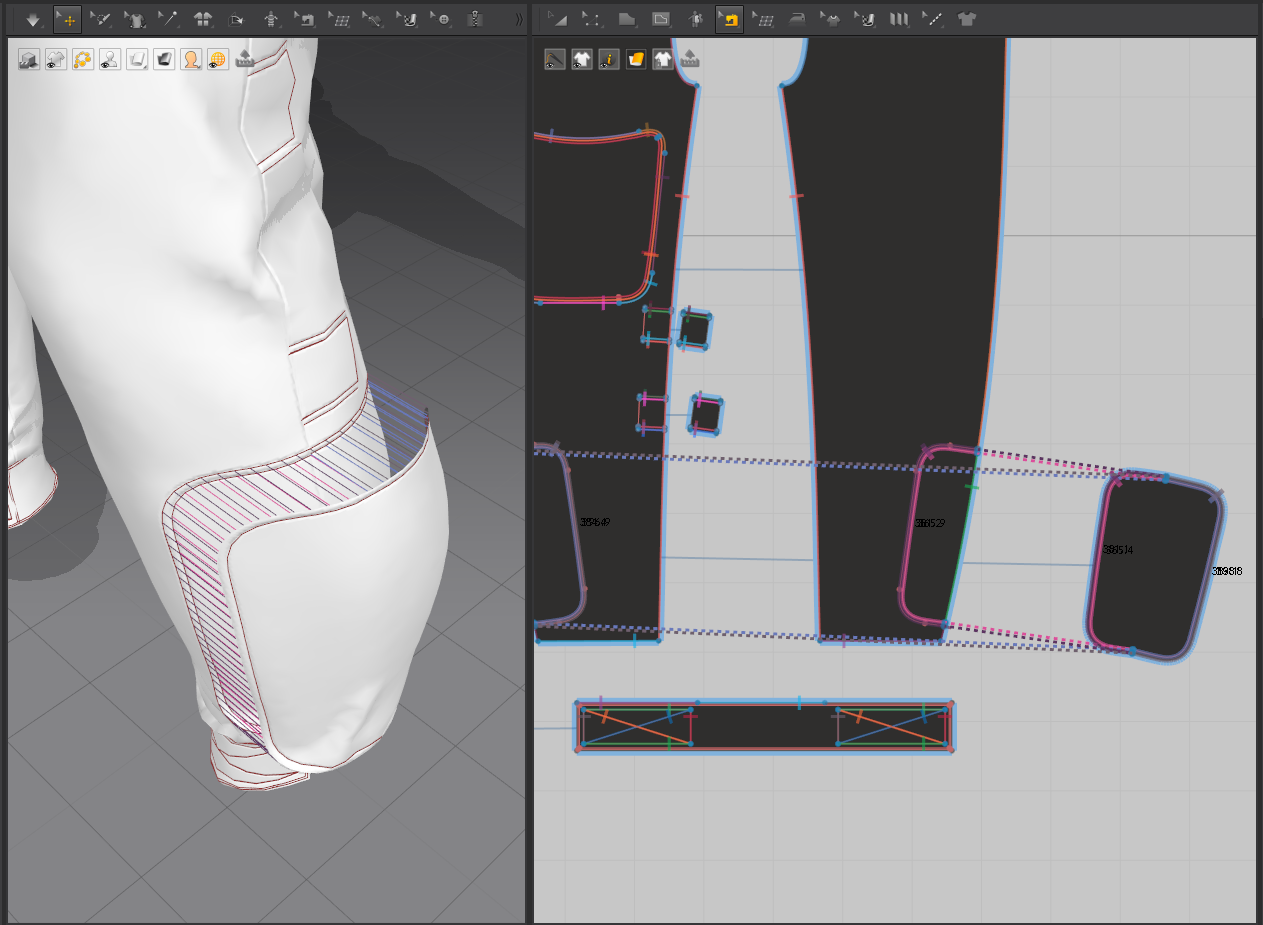
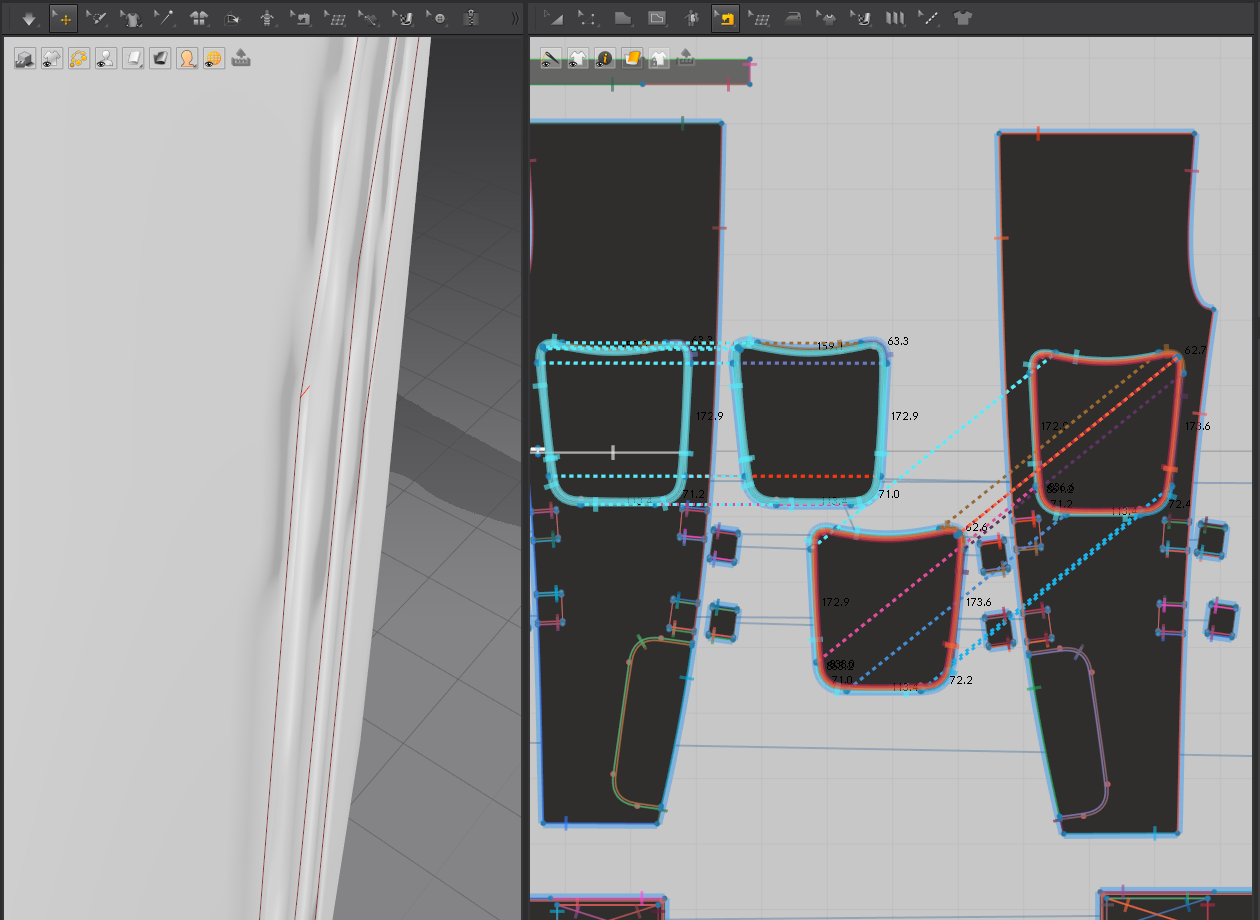
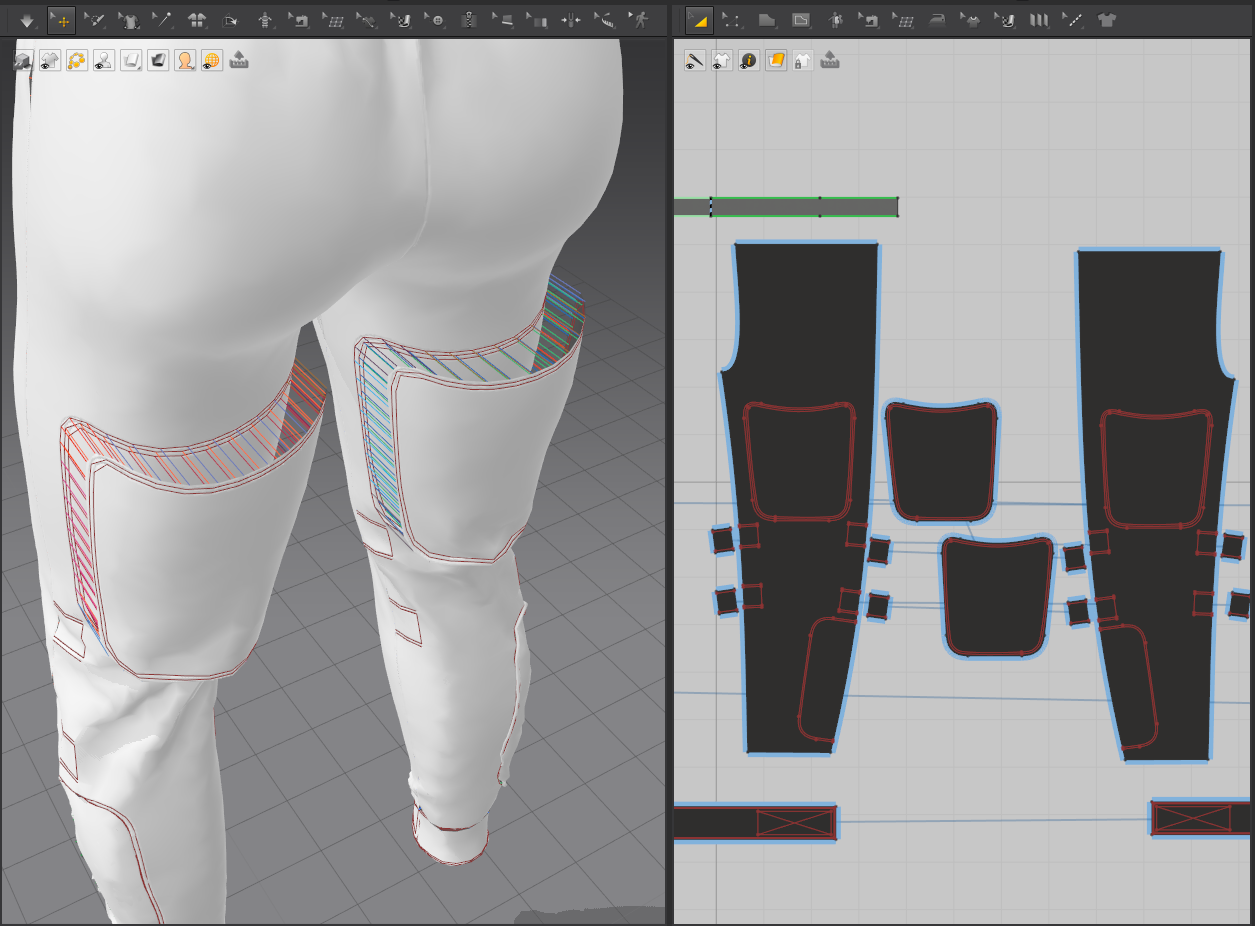
Thank you for the answer I've not been able to resolve it, apologies but the first picture i sent was unclear, both internal lines were sewn but it was not clearly visible
even following as the video did for the pattern in the back leg: draw internal line > offset internal line > clone internal lines as pattern(with sewing) still does not work
tried cloning as well as suggested in the answer and neither worked, i tried layers on/off, with and without collision on both avatar and patterns, none of the solutions i was able to find online seem to work, regardless of avatar, CPU GPU and Accurate Fabric have the same results, and normals are fine as seen in the pictures
I have provided more images down below (sorry for the enormous size, i don't know how to scale them down)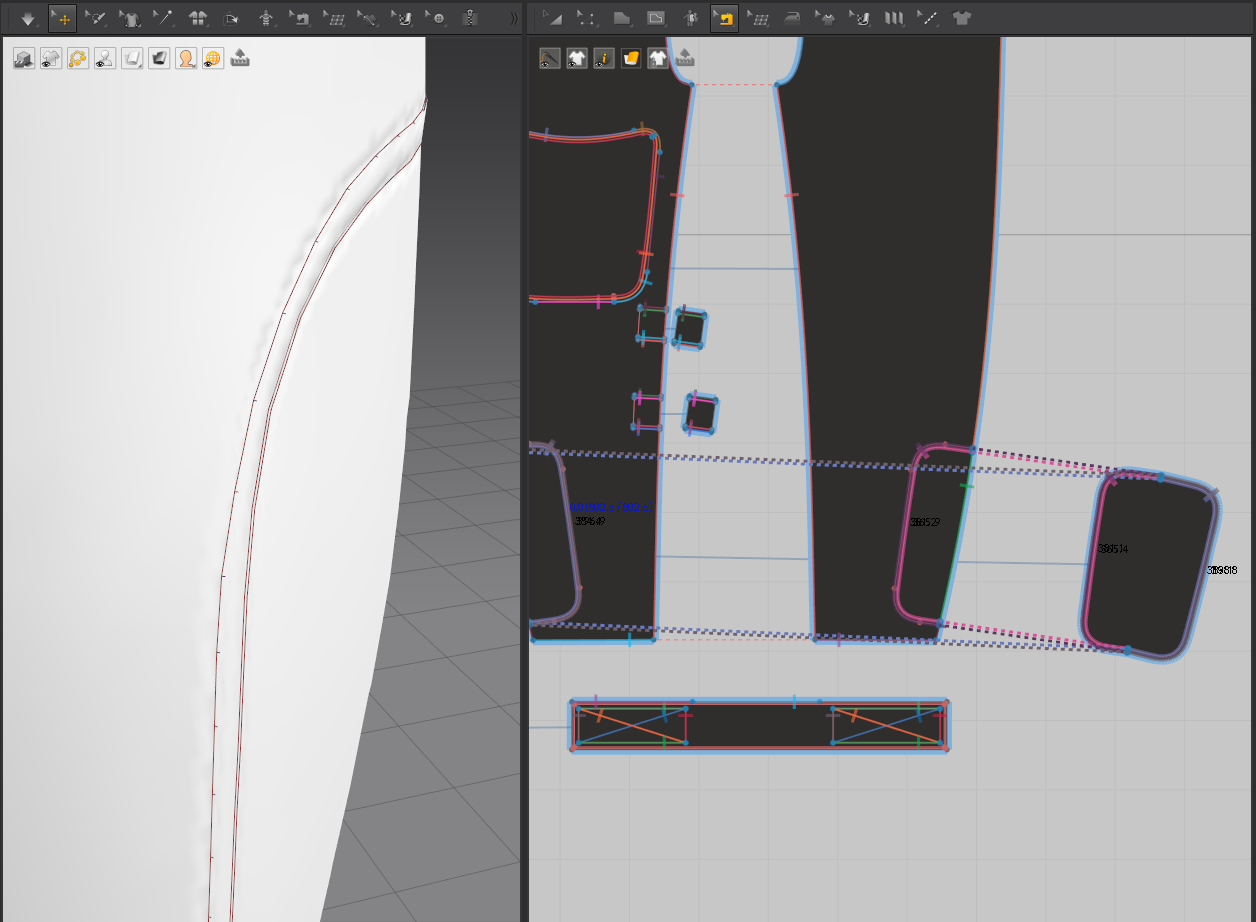
Hi Valy
Share with us the project file so we can take a closer look at it. This way I think we can clarify the issue in this situation,
i can upload it not sure where, i will try on something like dropbox, where would i be able to share the link? it's a personal commercial project and i believe i would be breaking guidelines as the avatar is "Fully modeled", it would e a bad idea to leave it on the forum for anyone to download
Hi Valy
No worries, you can create a ticket on our Contact Us page and attach the project. This will be only visible to the MD Community Manager team.
If you would like to do it by driver access, either way, is ok, attach the link on the ticket and we will take a look at it.
请先登录再写评论。