Hi! I'm new to Marvelous Designer, so maybe it's a problem easy to fix, but I cannot find solution anywhere.
My material unusually shrinks and collapses. This is how it's supposed to look like: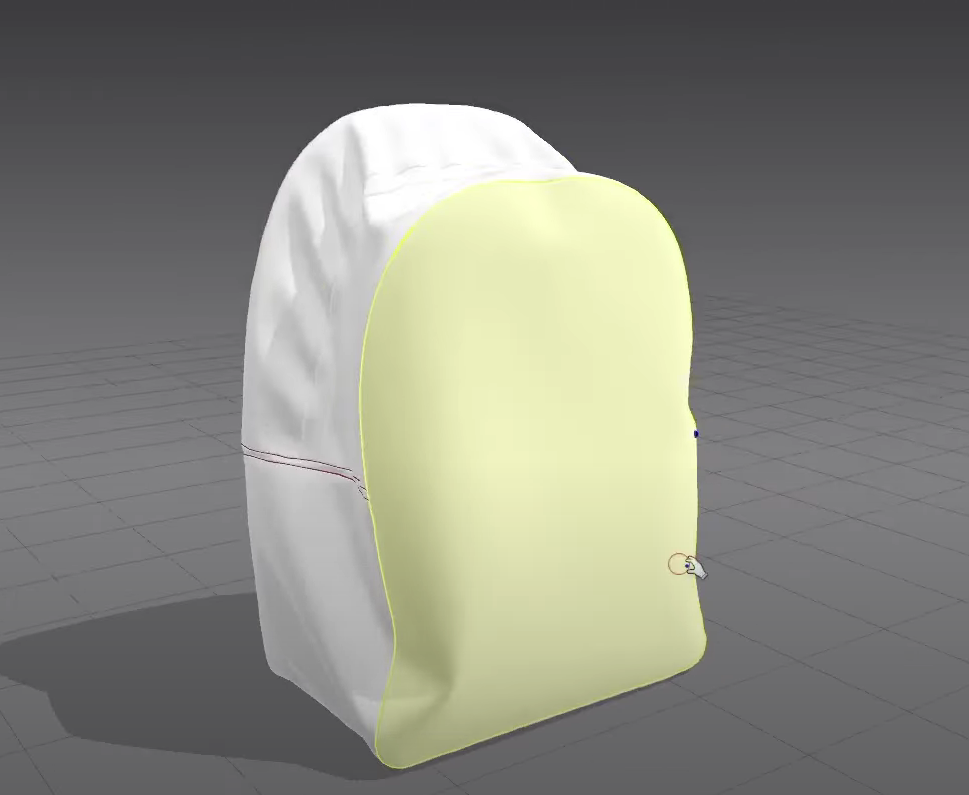 And this is how my material acts: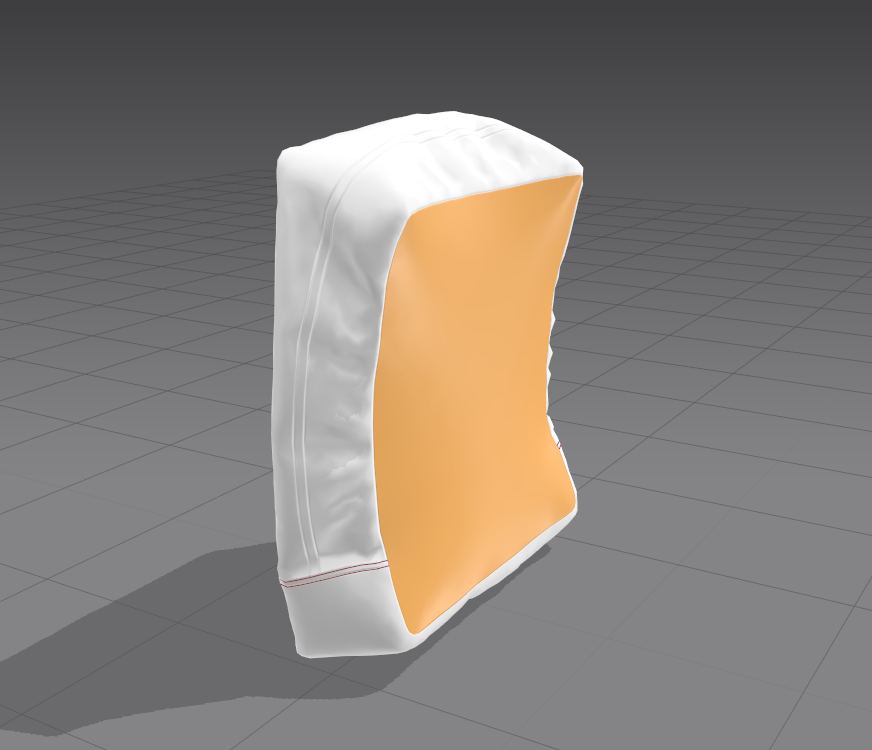
Changing gravity, thickness (this is Wool) doesn't change anything
Thank you for your help!

Hi @...,
it could be from a couple of reasons. The most common are 1) the Line lengths between the shapes are not the same (example- the square's circumference is a lot smaller than the surrounding pattern's measurements) 2) there is pressure value in the patterns: allowing the items to inflate and pressure allows for materials with different properties to stretch & deform in different ways which can result in different responses. 3) The strengthen feature (the orange color in the window) prevents stretching and "strengthens" the material. That could remove any stretching happening which is why you are seeing that
thank you for your answer!
댓글을 남기려면 로그인하세요.