
Hey, im newbie at MD, and maybe ask a stupid question, but i was trying to find solution, and cant. What is problem - il try to refit the model from SIMS avatar to custom avatar. What I have already done is set up Arrangament points, and Bounding volumes for model.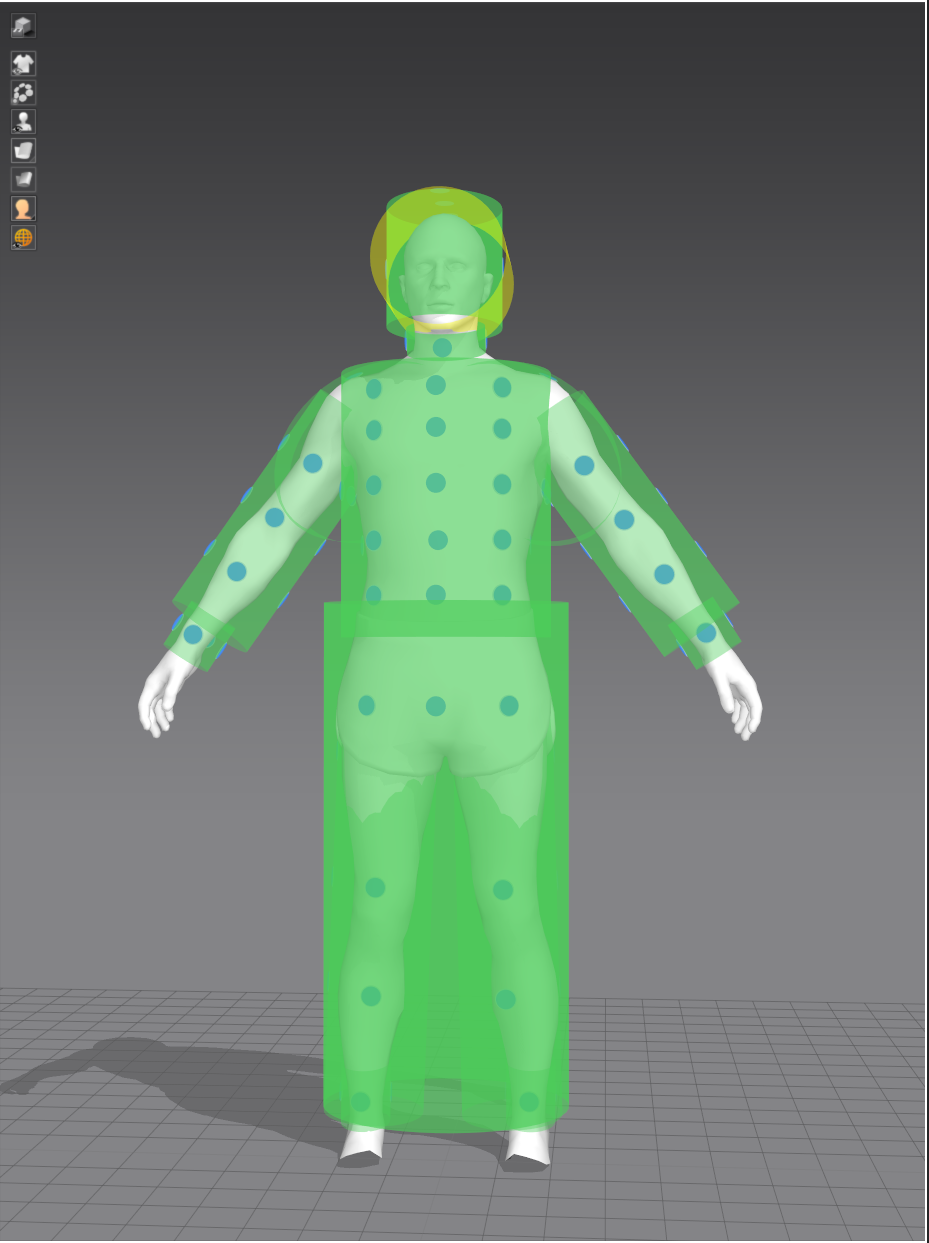
Also, i created fitting suit and it looks good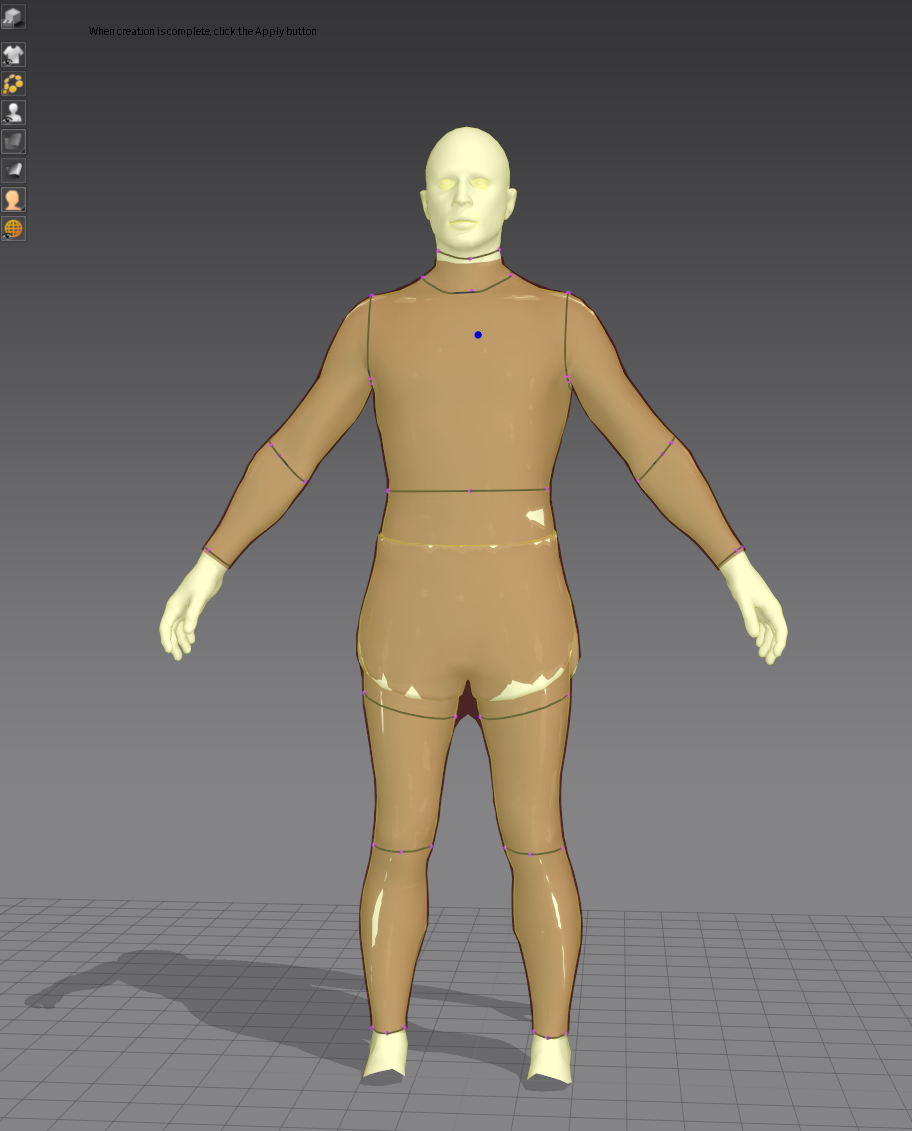
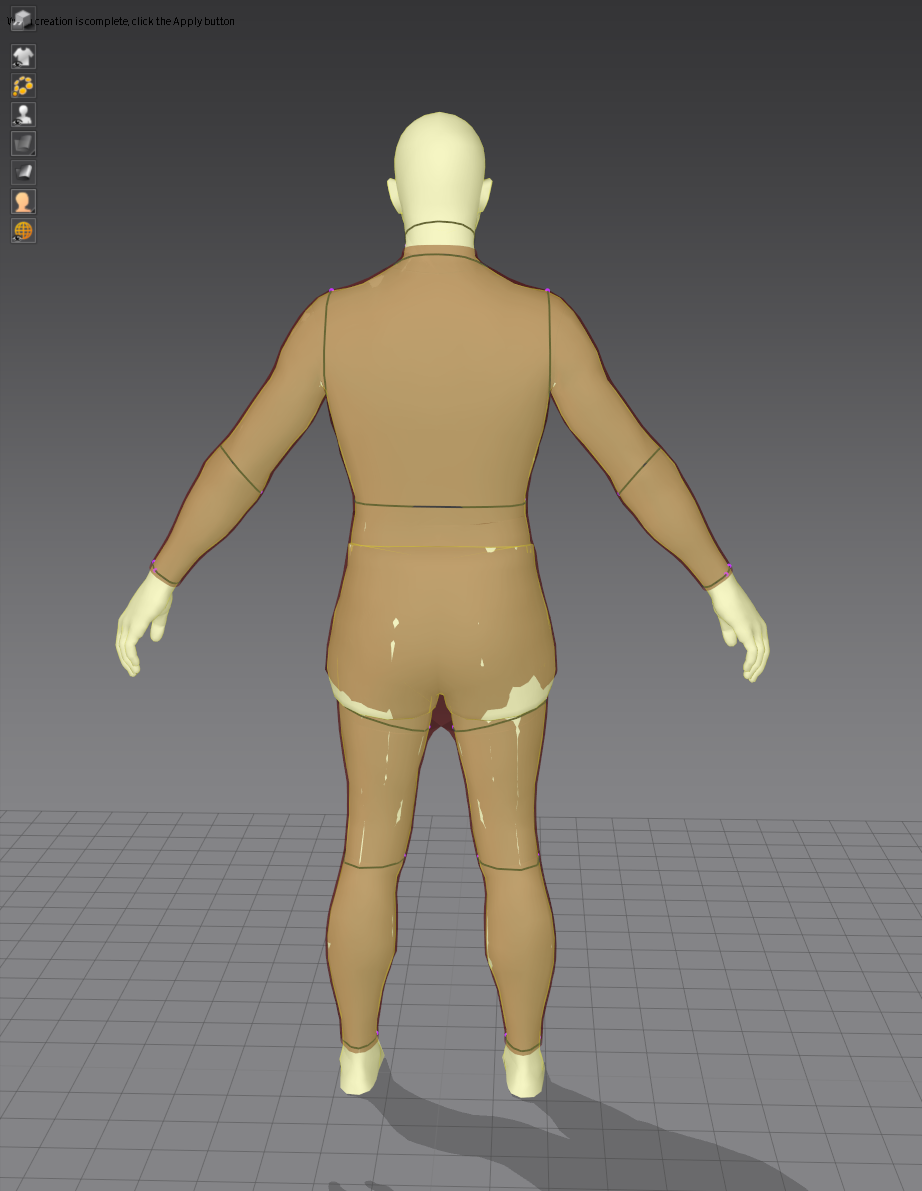 After that - i simulate garment at Sims avatar, and then - add this garment to custom avatar.
 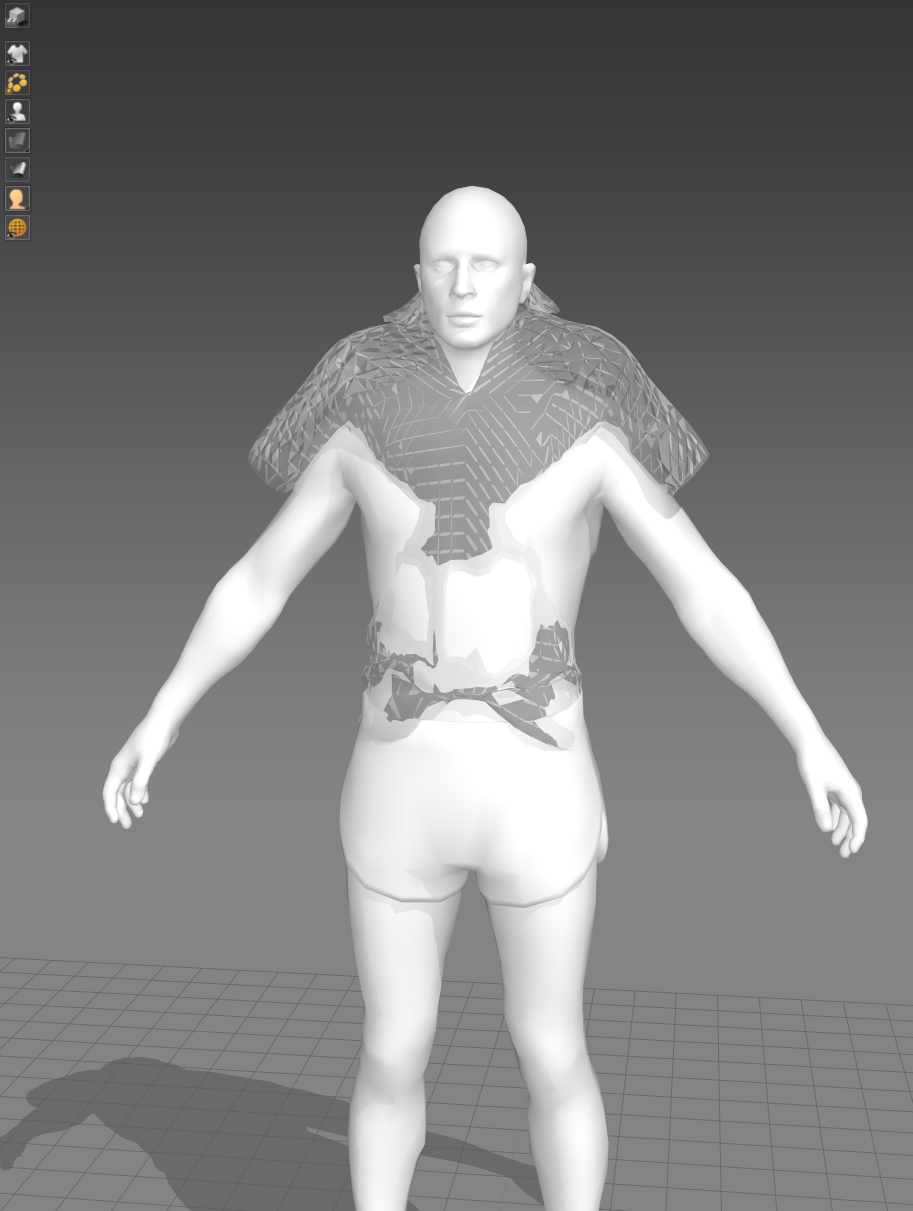 But after press Auto-fitting it looks bad, looks like its just simulated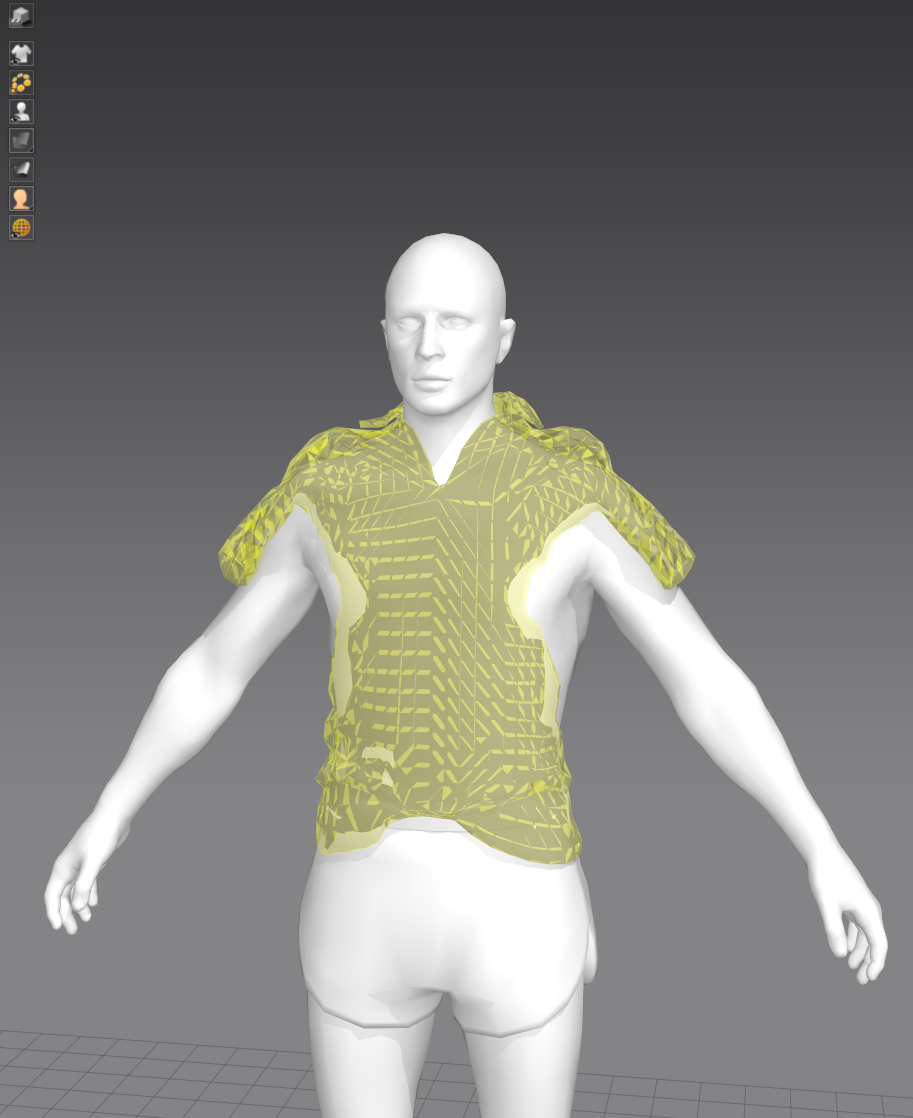
Garment properties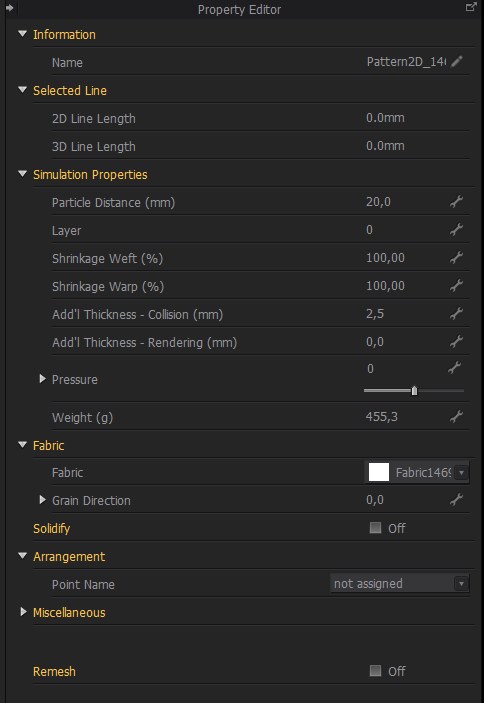 What can i do, to solve the problem with fitting?
Hello @...,
Thank you for contacting us!
According to your inquiry, I recommend you to use 'Auto Fitting' feature in the 2D Pattern Window.
Please follow these steps.
First Step
After creating the Fitting Suit,
1) click APPLY > SAVE in the dialog
2) Main Menu > File > Open 'avatar' (Your custom avatar wearing a fitting suit that you've saved before. You have to exchange the existing avatar into the newly saved avatar wearing Fitting Suit to use Auto Fitting feature.)
Second Step
1) Main Menu > File > Add 'garment'
2) Click 'Auto Fitting' tool in the 2D Pattern Window (please refer to the image below)
*Tips
Please increase the particle distance of the 3D garment, which will help this function run faster.
Please change the property of the 3D garment to its default, which will help this function run efficiently.
For your information, I've attached the Auto Fitting manual. (click here)
I hope this information helps you. Should have any further questions, please let us know! Have a lovely day :)
Following your steps - il open avatar, add garment, but its anyway looks like its just drop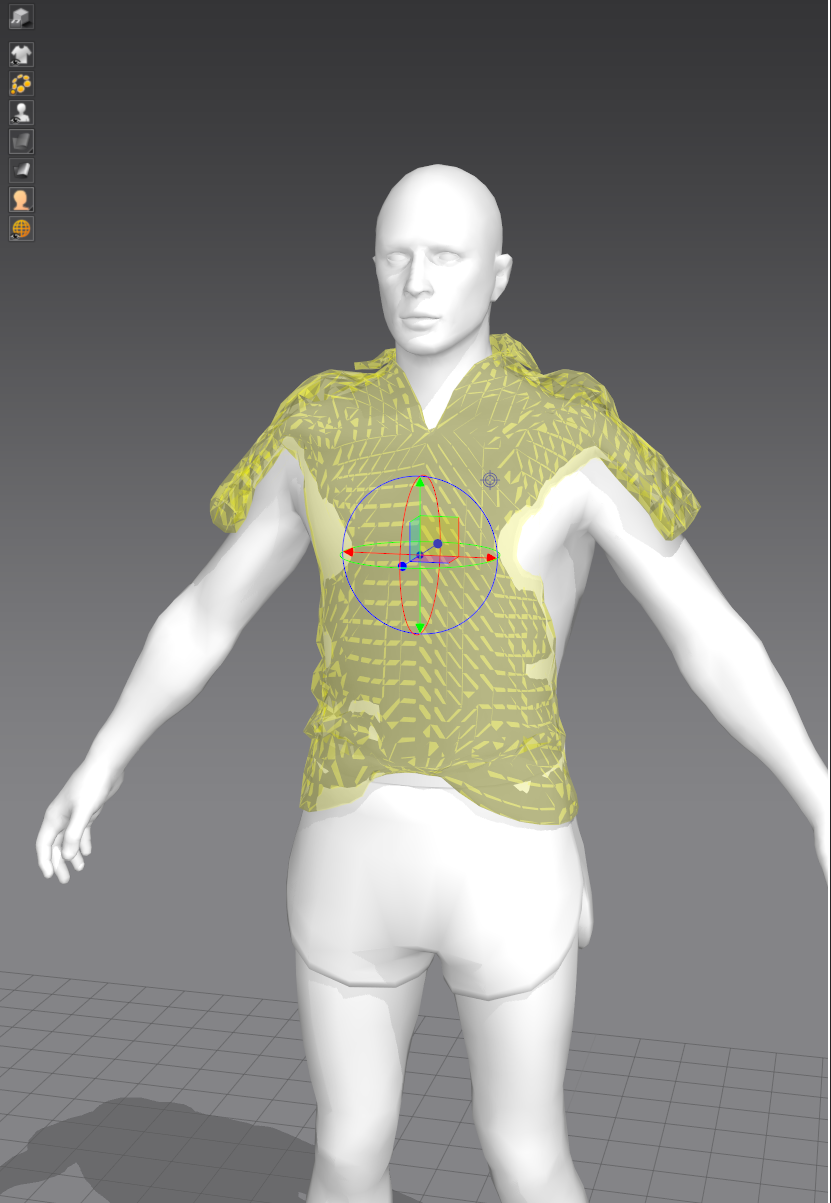 May i send you an project and avatar to try? Maybe il do something wrong
Thank you for getting us back!
Sure! Please send me your garment file and avatar file, respectively via support@marvelousdesigner.com.
I look forward to your reply soon :)
Send it. Did you reply at this topic, or using email?
Thank you for sharing your files with us.
I answered you by email, but I also leave it here for your reference.
According to the attachment files, it looks that you made your garment by importing OBJ to Garment without creating 2D patterns.
Without 2D patterns, you cannot use Auto Fitting, Re-targeting tools to automatically simulate the garments on your custom avatar since those features are based on 2D Pattern system.
Therefore, if you want to use Auto Fitting tool, you should create 2D patterns in the 2D Pattern Window or tick the option [Trace 2D Patterns from UV Map] that comes as 2D patterns when you import OBJ to Garment.
But if you want to trace 2D Patterns from the UV map, you have to work on the UV very carefully.
I'm sorry that you can't use Auto Fitting tool because your working environment and feature environment are different.
I hope this information helps you. If you need further assistance, please do not hesitate to contact us :)
Hey is it possible to use a customs garment piece that was made in the 2d pattern view with the auto fit feature in marvelous designer.
サインインしてコメントを残してください。