Tauqeer December 04, 2020 10:38 Follow How to completely erase old topology Support Agent COMMUNITY MANAGER Comment actions Permalink December 07, 2020 09:54 Hello Tauqeer, Thanks for your inquiry. I attached a tutorial Video for you :) After you remesh all, you would need to right click> select Remesh All (Replace). Then it will replace the original mesh with Quad mesh you worked on. Tutorial Video Please check the video and let us know if you have further questions. Thank you! Marvelous Designer Team Tauqeer Comment actions Permalink December 04, 2020 10:39 Hi How do I completely erase my old topology on Marvellous Designer? Will it automatically go when I retopologise? Because mines still there Tauqeer Comment actions Permalink December 07, 2020 14:51 When I press 'remesh' this results in my clothing becoming deformed Please sign in to leave a comment.

Hello Tauqeer,
Thanks for your inquiry. I attached a tutorial Video for you :)
After you remesh all, you would need to right click> select Remesh All (Replace). Then it will replace the original mesh with Quad mesh you worked on.
Tutorial Video
Please check the video and let us know if you have further questions. Thank you!
Marvelous Designer Team
Hi
How do I completely erase my old topology on Marvellous Designer? Will it automatically go when I retopologise? Because mines still there
When I press 'remesh' this results in my clothing becoming deformed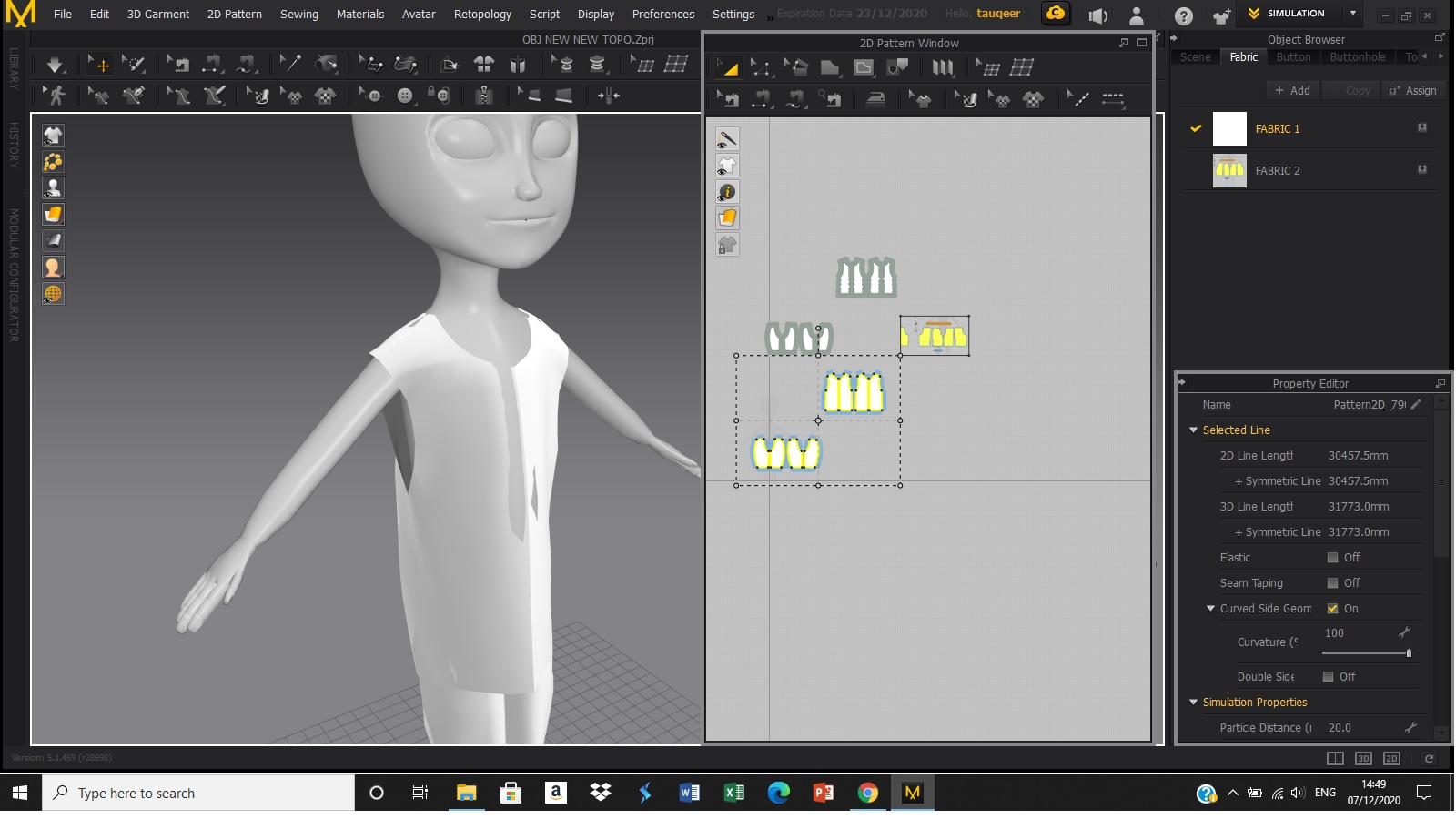
Please sign in to leave a comment.