
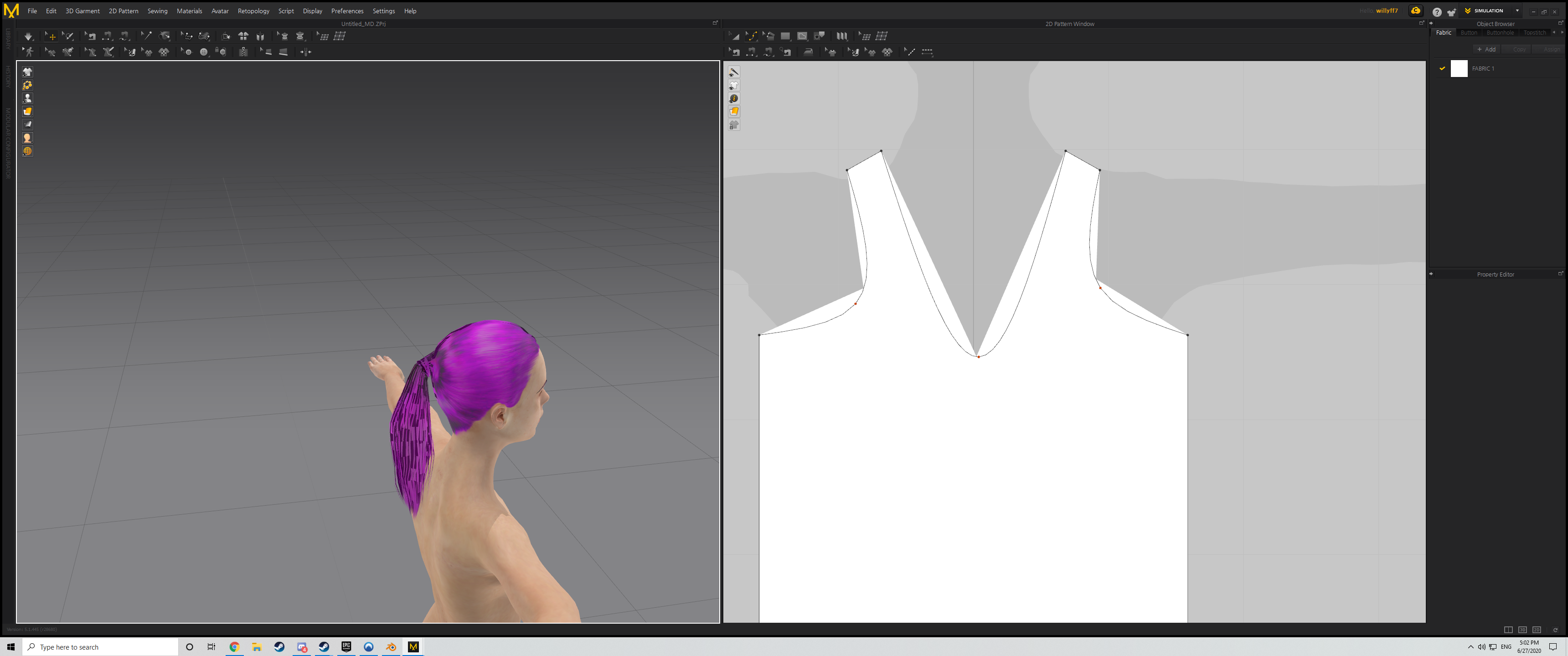
Hey guys :) I'm very new to this software, and I'm having a lot of trouble already, I'm following tutorials on how to make a shirt, other clothes will be next eventually, but.. after many hours wasted, I still can't make a simple shirt. One of the main issues is when I use this "Edit Curve Point" tool, it makes the shapes sharp and pointy, instead of circular as it should. It's making the design not how I want it, and I can't find a single thing here that changes it to normal. I may have pressed a shortcut on accident that made this happen, I don't know.
2 other small issues I have while I'm here, for one, I don't have as many buttons on my toolbar on the top right as many other youtubers do, I have to keep pressing shortcuts and memorize them to reach them, any way I can add more of them up there?And two, well, I have this problem as displayed in the 2nd screenshot, I'm not sure why my cloth isn't as smooth/good looking as his, having it more realistic like that would be great ><
thanks a bunch in advance ^^
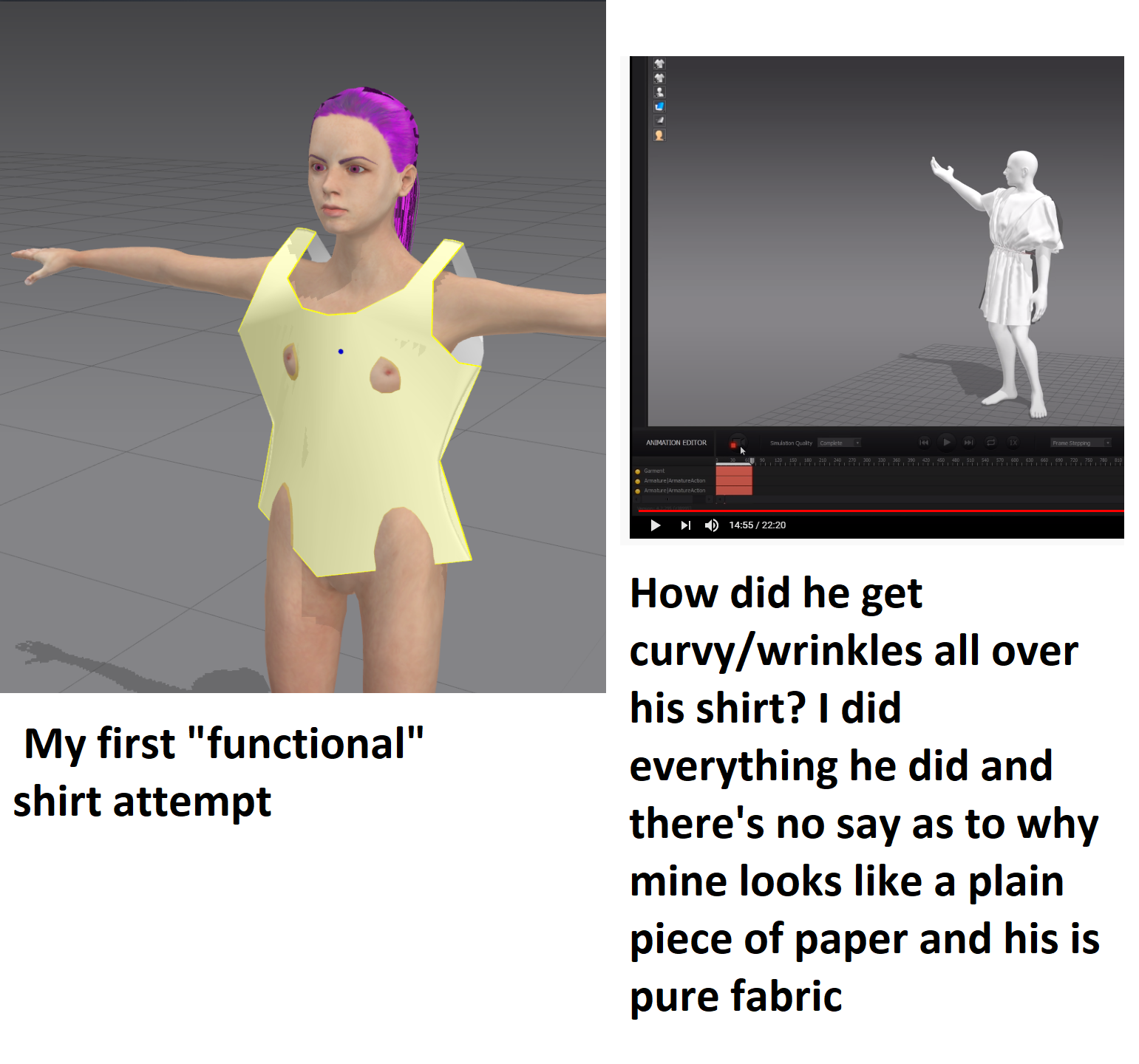
The issue is caused by the scale of your imported avatar. It is too small, making the cloth mesh polys too large in comparison. MD works on a real-world human scale, and the cloth properties are dependent on that scale. Having the correct scale for imported avatars is vital. You'll need to check the unit measurements both from your export program, and MD's import options. You want your avatar to end up roughly the same size as MD's default avatars. (~1200mm to 2000 mm is a good range) To check inside MD, as to what your current avatar's height is: either 1) From the main menu Avatar>Measurement>Height measurement. Click on the ground at your avatar's feet and drag the tool up to the top of the head. or 2) use the Add>avatar to bring one of the default MD avatars into the scene, and visually compare the sizes. Once you have confirmed this (as I know you will), you will want to re-import, paying close attention to the unit measurements both on export from your other program (whatever it is) and on import into MD, when you can set a matching scale.
To reset your menus, you have two options, use the set workspace windows > bottom right > refresh.
And if you have overwritten your default MD settings : Make sure if you have created custom keyboard shortcuts to save these before you reset your MD default settings.
Menu > Settings > User settings > Reset
:-)
댓글을 남기려면 로그인하세요.