
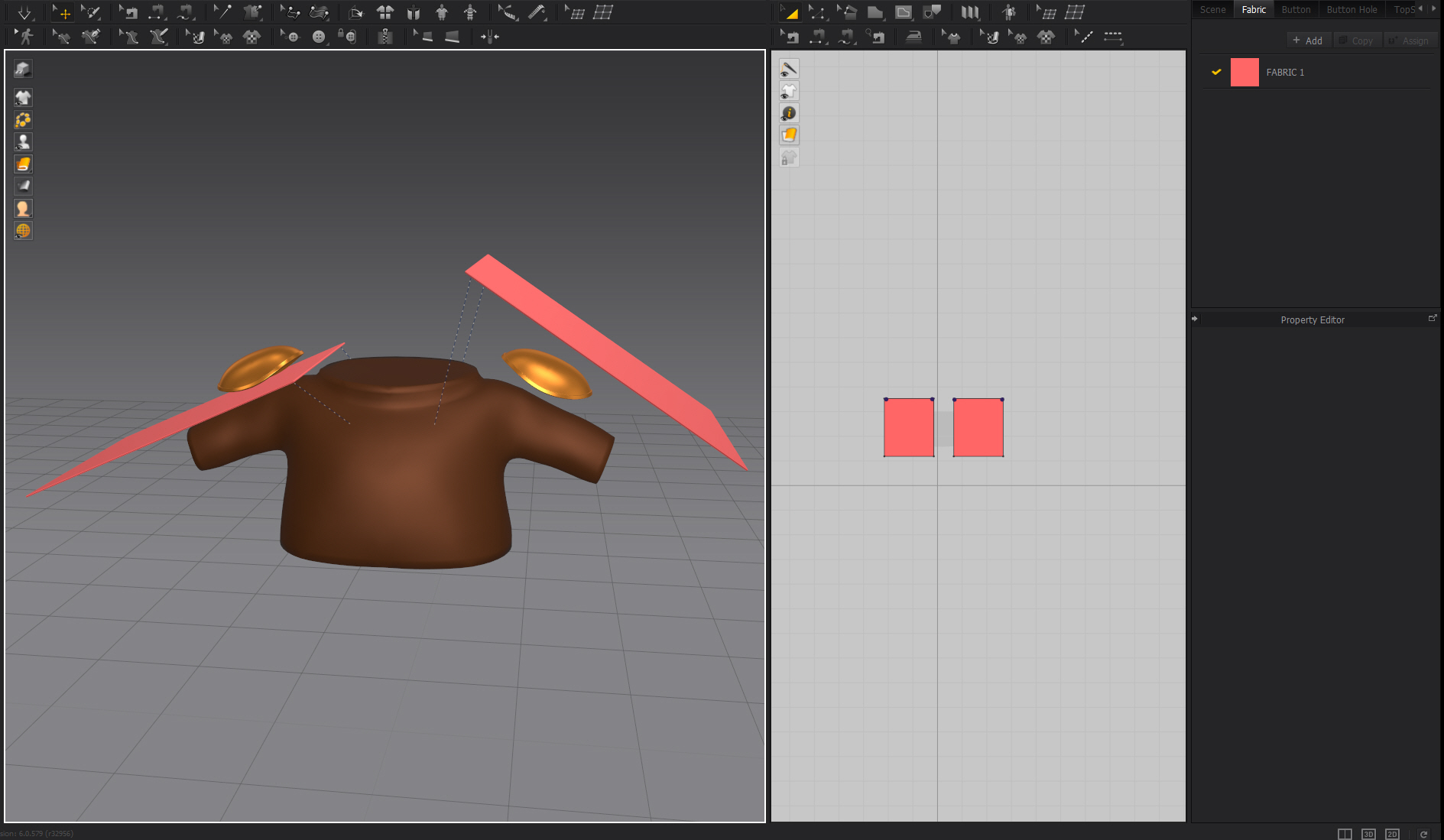
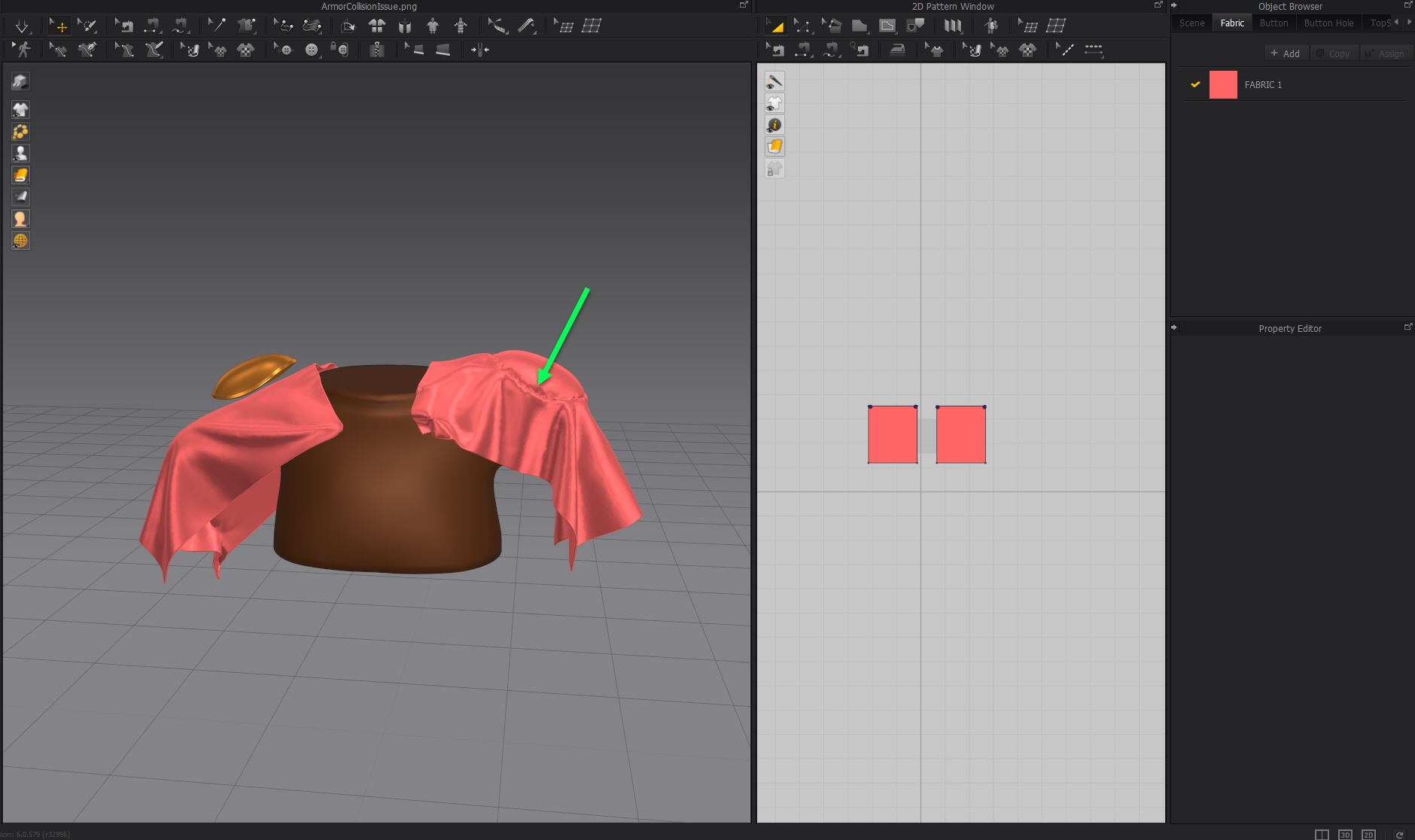
When I import shoulder armor as an avatar and simulate it, the cloth oddly sticks to the armor.
This does not happen for body avatars.
I've already tried various settings for friction, skin offset, thickness, and simulation.
I would appreciate your advice.
movie
https://drive.google.com/file/d/1edxf76yWjaExmD219tOZRsmwp2zyKSNo/view?usp=sharing
data
https://drive.google.com/file/d/19Z0lXhCII6NiE1fjTTFZP5If6JJAxd1Z/view?usp=sharing
screenshot
Hello @...,
Thank you for contacting us :)
According to the file you've attached, there is a small groove on the shoulder pad. It is difficult to simulate it accurately. For simulation purposes, you have to make a soft mesh surface. I recommend you add a mesh that blocks the groove as in the image below.
I hope this information helps you.
Have a lovely day! Should have further questions, please let us know !
I think the same thing may be happening as in this article, but I don't know how to solve it.
https://cgelves.com/marvelous-designer-question-fabric-collision-issues-with-imported-obj-avatars-props/?v=24d22e03afb2
Check all the normal directions for your shoulder pads and on welded seams. You can usually edit these to be exactly the type of behavior you want in a 3D model. So when importing to MD you have to be concerned editing the default avatar collision offset on those surface normals. The best value to start at is 0 mm offset and then set both the pattern and fabric offset to a low value (like 1mm for pattern and 0.5mm for the fabric) > giving you a combined total of > 0 mm offset from the avatar + 1 mm offset for the pattern piece + 0.5mm offset for the fabric = 1.5mm total collision offset.
Also when you import any object 3D model as a new avatar it's important to check that the mesh is manifold, A closed surface, that there are no open edges or missing surfaces - so ensure the welding of the surfaces is water-tight. You can also add in on tight edges some normal editing magic to force the cloth collision to work how you might prefer. For example to strongly repel or draw the cloth away from an edge feature > the tool to do this in Blender (for example) is the Normal Edit modifier > where you can customize the normal's in the model so that when you export them this data is retained in the 3D data model.
Thank you. I will try those one by one.
Hi @...,
You're welcome!
Thank you for getting us back and your update :)
댓글을 남기려면 로그인하세요.