
I created an avatar with zbrush.
In the center of zbrush.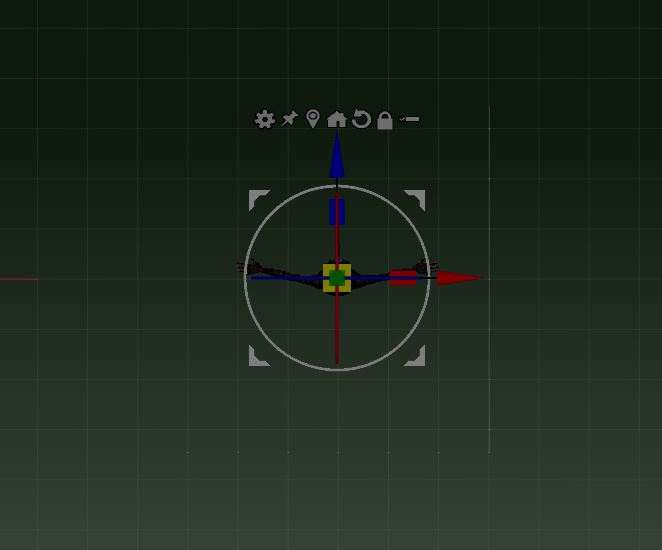
Imported to marvelous designer.
It was imported from the center of the marvelous designer.
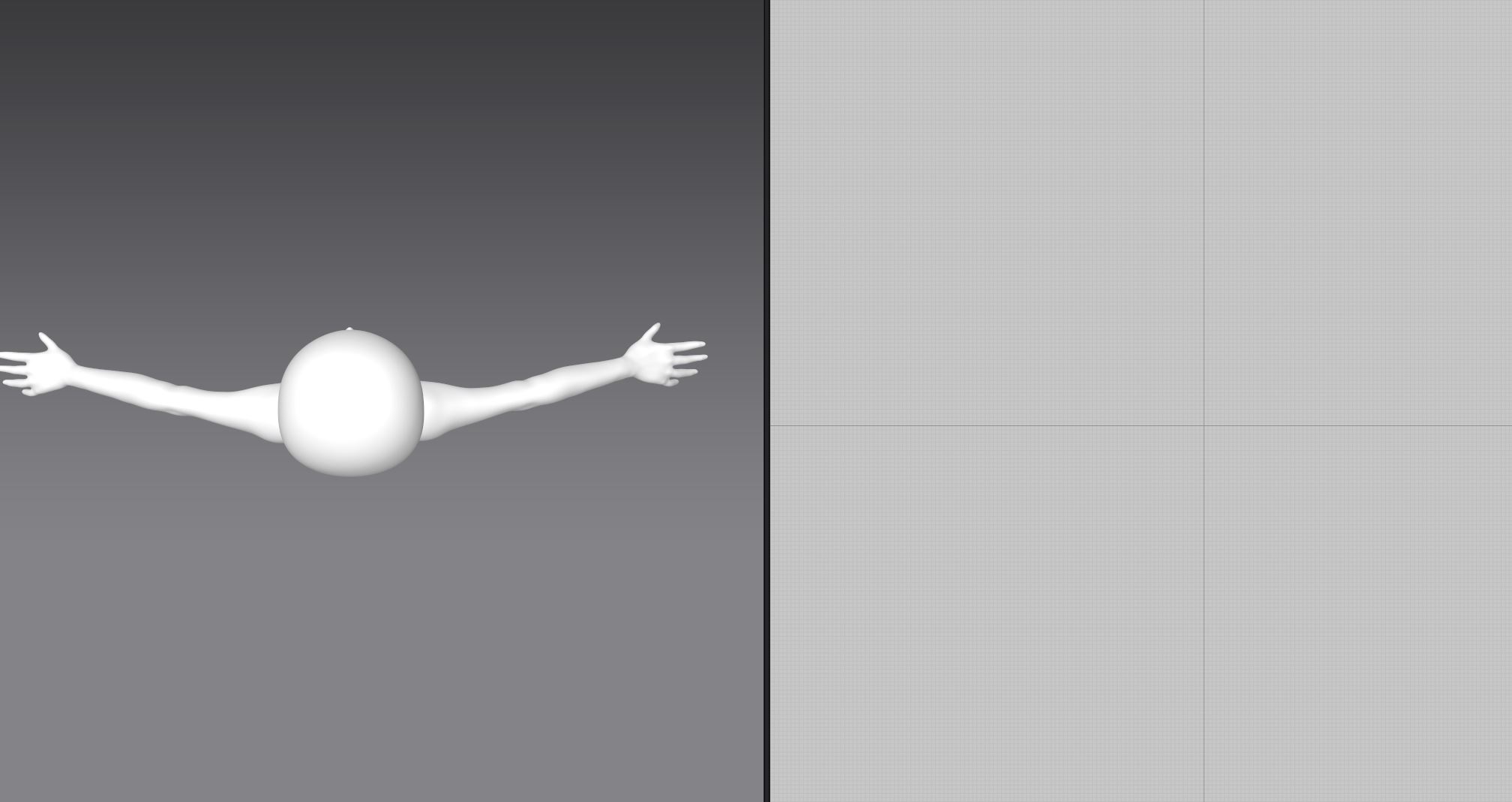
How can I centrally import?
[Align Bottom to Ground]
Should I do this?
[Load as Morph Target]
I plan to use this to pose.
Please give me advice.
Your scale is most likely wrong on import into MD. You avatar is most probably super size (as in statue of liberty) or super small (neutrino) . Why it doesn't show up in the 2D window is because you are likely looking at the area under the crotch or the model is now a full stop somewhere on the page.
Read my post >> [ LINK: Exported-work-is-different-than-the-viewport ] about the 'swizzle' (x,y,z) orientation and importance of position (scale) and presets you use in your modelling software before you import into MD. In particular how the axis color (red, green , blue) generally denotes the 'common' standard x,y,z axis orientation and what you need to adjust on the positive and negative swizzle axis (on import) to get it into MD. The zero, zero,zero point in your previous software denotes the MD avatars model insertion point.
Once you have an avatar in MD you can select it and right mouse click to bring up the floating menu model > move avatar > to ground.
Thank you for your advice.
http://docs.pixologic.com/user-guide/zbrush-plugins/scale-master/
The scale is set to 150 cm using [SCALE MASTER].
Avatar scale is fine.
The avatar was imported very high above the origin of MD.
Moved the avatar to a position slightly above the bottom of zbrush.
as a result,
It was imported just above the bottom of the MD.
Is the position of the origin of zbrush and MD slightly different?
Is the solution to move the avatar using [SCALE MASTER] and move it slightly above the bottom of the zbrush?
Repeat >> Once you have an avatar in MD you can select it and right mouse click to bring up the floating menu model > move avatar > to ground.
:-)
Thank you for your reply.
【Once you have an avatar in MD you can select it and right mouse click to bring up the floating menu model > move avatar > to ground.】
[Align Bottom to Ground]
Is this the thing?
I tried using [Align Bottom to Ground].
[Morph Target] returns to the original position.
The avatar will leave the clothes made by MD on the spot.
How it works in MD (or any 3D modelling software) is that your model and previous software's datum for the world space, the scene object hierarchy, any parenting of trim like hair shoes, mustaches, etc all come into play when considering the 'relational' objects for a project model being imported to another software. MD is no different in this respect. If you have a morph being loaded onto an avatar you have shifted to the floor, you are therefore shifting the avatar to the points you had in your previous modeling software (eg: off the floor). These are simply relational vector co-ordinate transforms. Therefore when using a 'morph' on an imported avatar model - you must ensure your imported avatar has the datum on the floor (at the avatars feet) when you export the original model and the morph.
So your solution lays with your previous software, it's not a MD problem. And you maybe need to go to a forum for that software and source help about how to set your models (0,0,0) co-ordinate and swizzle axis to a preset that works for exporting your avatars to a common datum (eg: on the floor). This is common for most CG softwares, so I suggest you do that work in your previous modelling app. as that is the best place to do that work.
Thank you for your reply.
It is necessary to move the position with zbrush.
I have solved it with your cooperation.
Thank you very much.
サインインしてコメントを残してください。