
Hello,
I made a test scene and imported a simple sphere.
The texture shows correctly in Maya, but when I assign the same texture in MD, I get a completely different result.
Why happens this and how can I fix it?
Thanks
This is how it looks after import in Marvelous
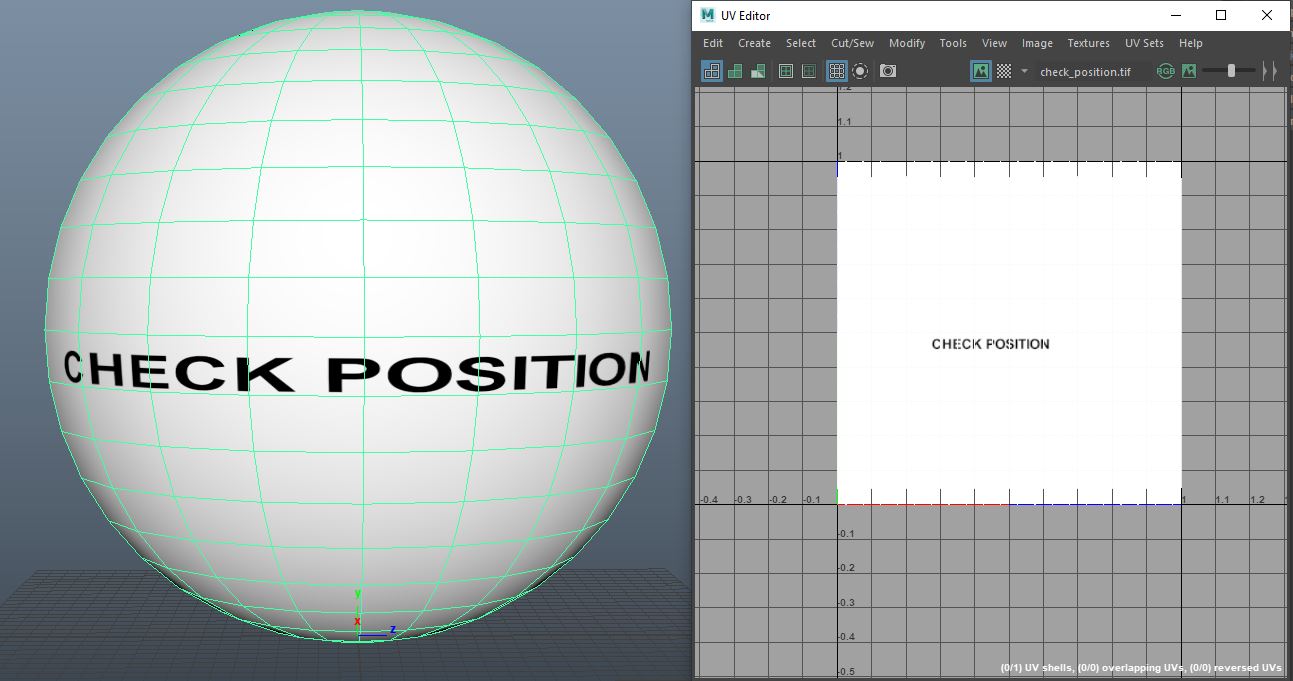
This is how it looks in Maya correctly (before import in MD)
Edit Texture tool:
Thanks, I could adjust the position.
But is there no way, just to maintain the exact layout at import?
All applications I know are able to maintain the UV-layout. Especially when working with existing scenes, which have tweaked details.
Maybe there is a special settings at import?
Nope, you generally need to manually place it.
The only other alternative is to go back into the UV editor in MD and ensure your UV layout is exact to you models UV layout and scale in the UDIM grid. And then it will load in position when you assign it to the fabric shader that uses that fabric (that's a tip that works from MD8 on upwards). There is a 15mm gap you also need to account for. So it is perhaps faster to eyeball it in the main drafting window and simply do it manually unless you are swapping out loads of colorway maps.
サインインしてコメントを残してください。