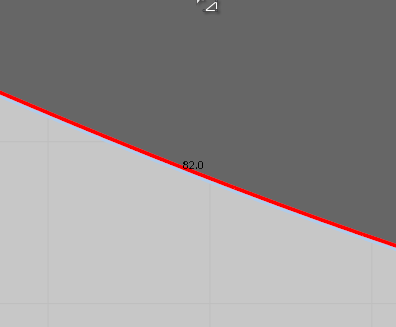
 I couldn't find a setting to change the font size in the pattern view. Is that possible? It's independent from zoom level. It's just so tiny.
CD PROJEKT®, Cyberpunk®, Cyberpunk 2077® are registered trademarks of CD
PROJEKT S.A.
© 2021 CD PROJEKT S.A. All rights reserved. All other
copyrights and trademarks are the property of their respective owners.

I couldn't find a setting to change the font size in the pattern view. Is that possible? It's independent from zoom level. It's just so tiny.
Hello @...,
Thank you for contacting us!
Unfortunately, we do not provide the feature of resizing the font size for now.
However, you may try this. You can change the resolution according to your system specification in the user settings.
The overall size of the program would be adjusted.
Location: Settings > User Settings > User Interface > Display > Resolution.
I hope this information helps you.
Have a lovely day! Should have further questions, please let us know :)
I have the same problem and changing user interface resolution doesn't help. The font is really small and I have to get closer to screen every time just to identify what is written. Please update a solution
Hello @...,
Thank you for contacting us.
Currently, there is no feature to resize fonts except for resolution option Settings > User Settings > User Interface > Display > Resolution.
However, since this feature is needed, I will add this to our development list so that it can be updated soon.
Thank you for your feedback. Should have any other questions, please let us know :)
サインインしてコメントを残してください。