
I am trying to get my model from mixamo to c4d to marvelous designer, but I keep having the problem that I attached in the photos below. I have no idea why this is happening and it is frustrating me, so I wanted to reach out to you and ask for your help. I have tried importing as both FBX and alembic 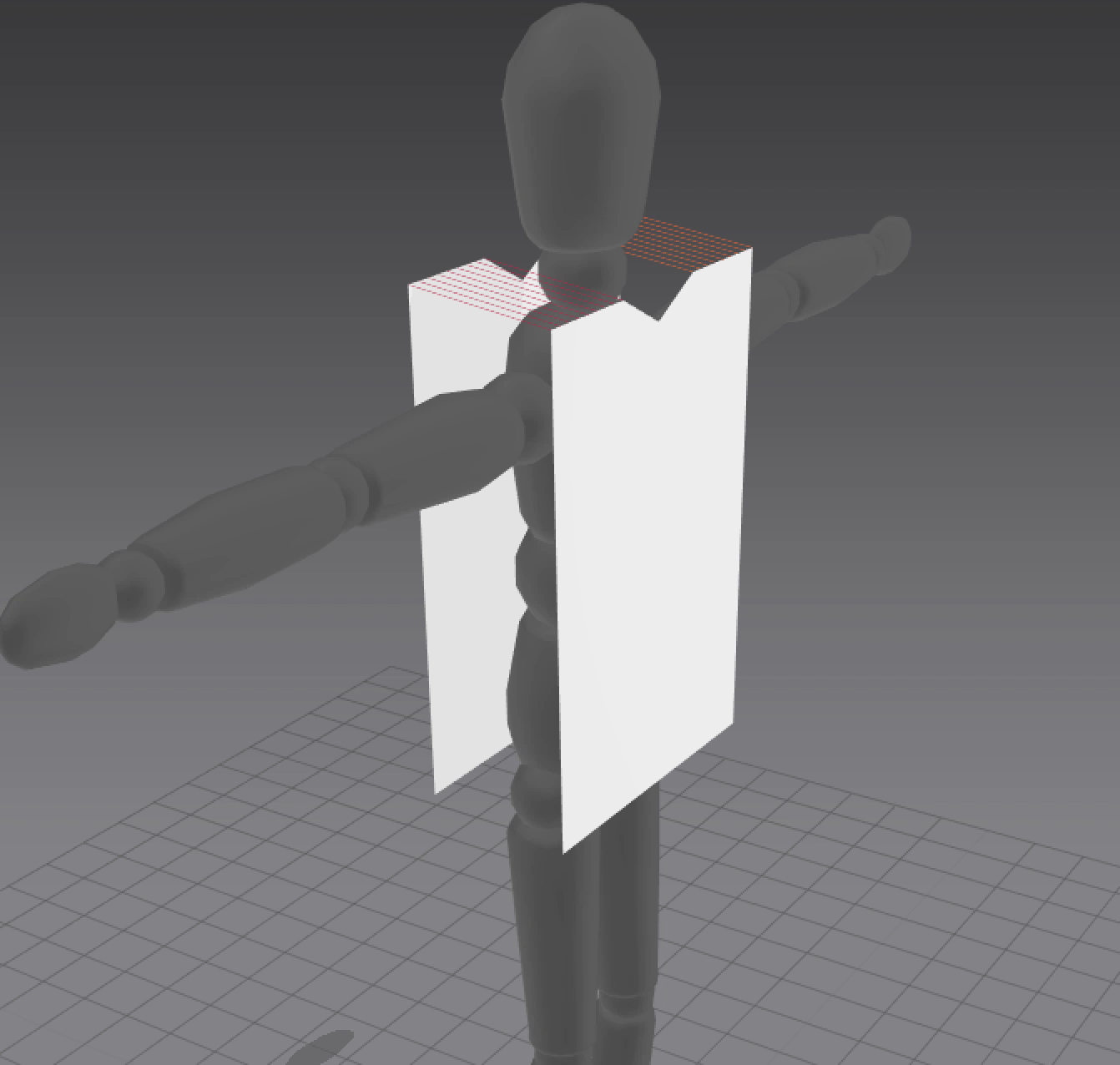
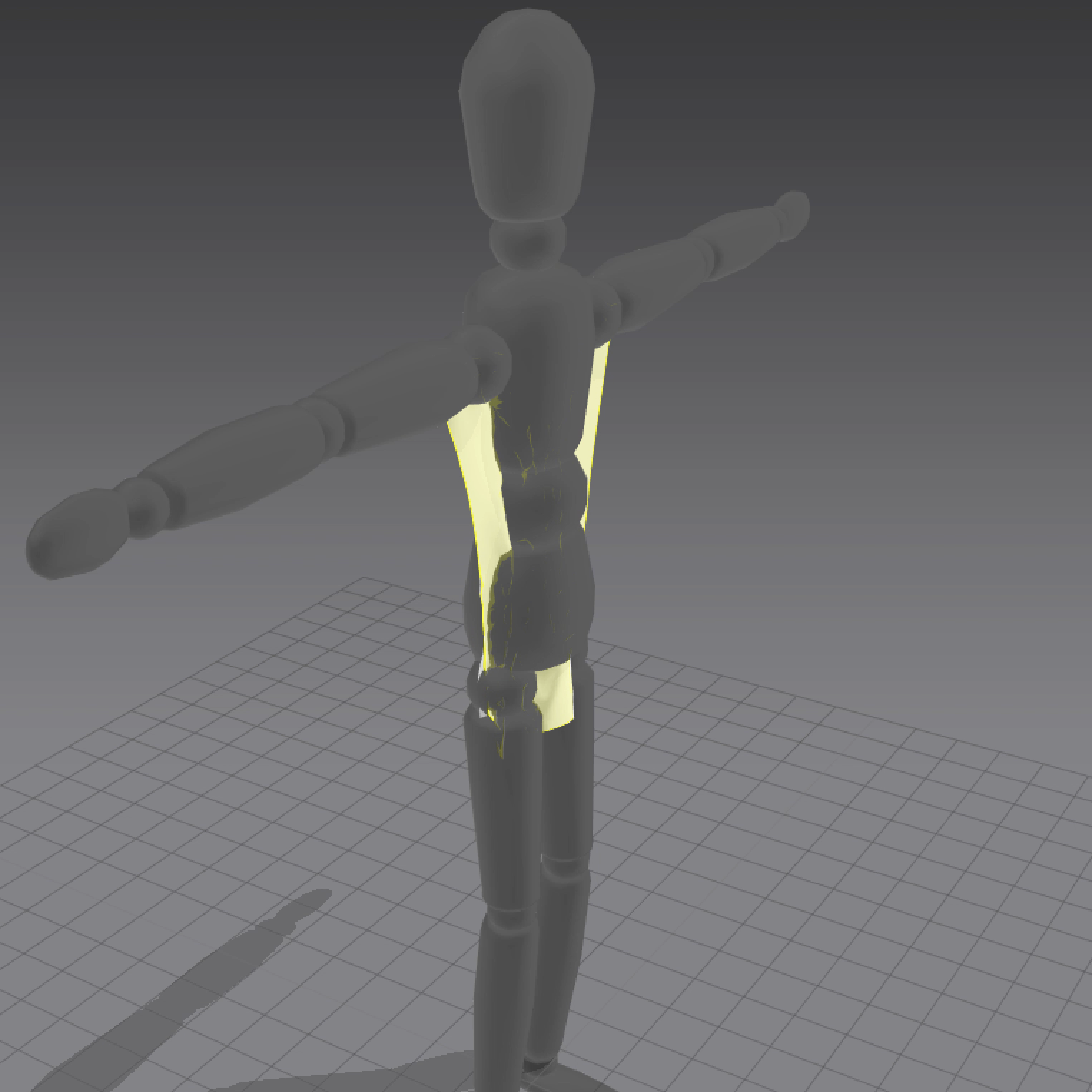
Thank you!
Do a model face check.
Check that your avatar model character has the normals facing outwards and not inwards. And that the MD cloth has the normals (light face) also facing outwards. The cloth will simulate inwards (incorrect) when the collision constraint is on the wrong side of the model surface plane . inwards/outwards.
Next time you export from your app ensure you first check the normal direction of the model, and that when you import it into MD that you also have the correct import preset. (x,y,z) constraints. And not some flipped swizzel value like (x,-z,y)
P.S. We can tell that it is a normals issue, because the avatar is darker colored than usual. That is the MD way of indicating the direction a normal faces; light colors show the 'proper' facing of normals, and darker shades of that color indicate a reversed normals facing.
Which, from your first image, also shows that you will need to rotate the pattern piece at the back of the avatar, such that it also faces away from the avatar. Currently, the normals of that piece are facing **towards** the avatar. Use the 'Flip normals" option on that piece to correct it and ensure the sewing stays where it is.
Please sign in to leave a comment.