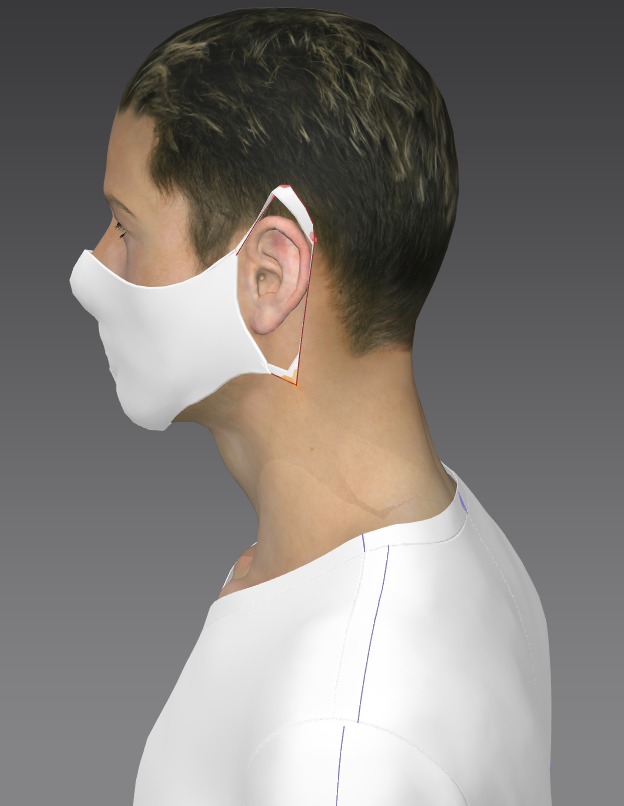
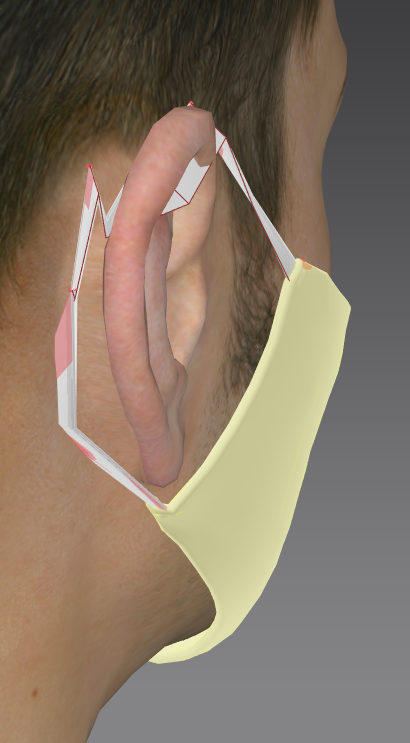
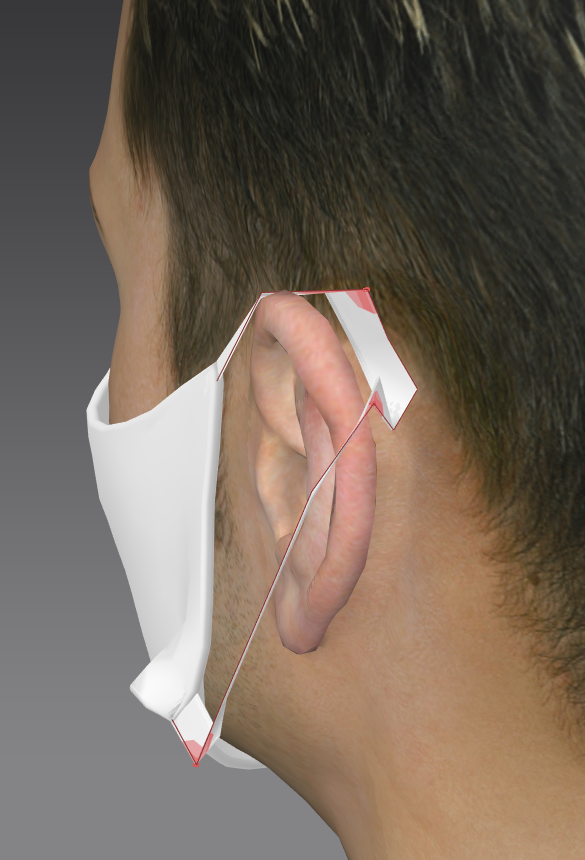
I tried with pins and needles but the result is sad. wht is the best way doing it? Also how can I do a cord?
See pic below
Many thanks
Christine
CD PROJEKT®, Cyberpunk®, Cyberpunk 2077® are registered trademarks of CD
PROJEKT S.A.
© 2021 CD PROJEKT S.A. All rights reserved. All other
copyrights and trademarks are the property of their respective owners.

I tried with pins and needles but the result is sad. wht is the best way doing it? Also how can I do a cord?
See pic below
Many thanks
Christine
Hey @...,
Here is a link to a cording tutorial by a user https://www.youtube.com/watch?v=zlLtnGYLJmU You can use the Tack on Avatar option to tack the cording to your avatars head. Just remember to lower the particle distance for the cording as well. There has also been success just using rectangle pattern pieces and adding simulation thickness to it to make it more round and let it catch on the avatar's ear.
Use >line< tack to the avatar > it's by far the most controllable method to get a really nice curve on the strap around the ear, and because you can extend the thread length you will get perfect control.
High Angel, thank you for the answers. So sorry, but were do I find >line< tack to the avatar > (I have MD 8) and how can I extend the thread length ?
Line tack on avatar > lay points (CTRL ) to get curved points as you lay the line tack > then double click to shift to lay line on pattern. Set thread length so you can then manually adjust the chord neatly around the ear.
Get it nice and snug around the ear (benefit with line tack is it will never fall off the ear).
Snug
This post will self destruct in a few days ...
Please sign in to leave a comment.