I have a character creator mesh I want to put clothes on, but every time I import I get an error.
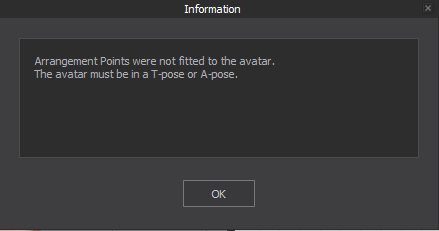
The issue is she is in T pose. I exported her in a T pose from CC4. I never had this issue before, what am I doing wrong?
CD PROJEKT®, Cyberpunk®, Cyberpunk 2077® are registered trademarks of CD
PROJEKT S.A.
© 2021 CD PROJEKT S.A. All rights reserved. All other
copyrights and trademarks are the property of their respective owners.

I have a character creator mesh I want to put clothes on, but every time I import I get an error.
The issue is she is in T pose. I exported her in a T pose from CC4. I never had this issue before, what am I doing wrong?
Hi @...,
There are many reasons that could have gotten that pop-up. For us or others to better understand/ see what is happening and help troubleshoot: can you share pictures or video of the character and software window when its imported?
OR if you cannot share images publicly: can you share with us the file you're trying to import as an avatar to us via the "contact us" page so that we can better assist you in troubleshooting?
I am having the same issue. I don't understand why my t-pose is not being accepted as a t-pose. Im exporting as an .fbx format from Character Creator 4. So many export tests and same issue. I'm exploring using other 3rd party 3d modeling tools or resources of avatars in a t-pose to see if I can get past this prompt.
Please sign in to leave a comment.