
Hi,
I'm having trouble creating a dart on a seamline/edge of a pattern piece. Your tutorials seem out of date for this type of dart...it looks like everything has been combined into the internal dart tool. I keep getting this error when trying to create my dart:
"Lines or points are too close together. Please move the points further away from each other."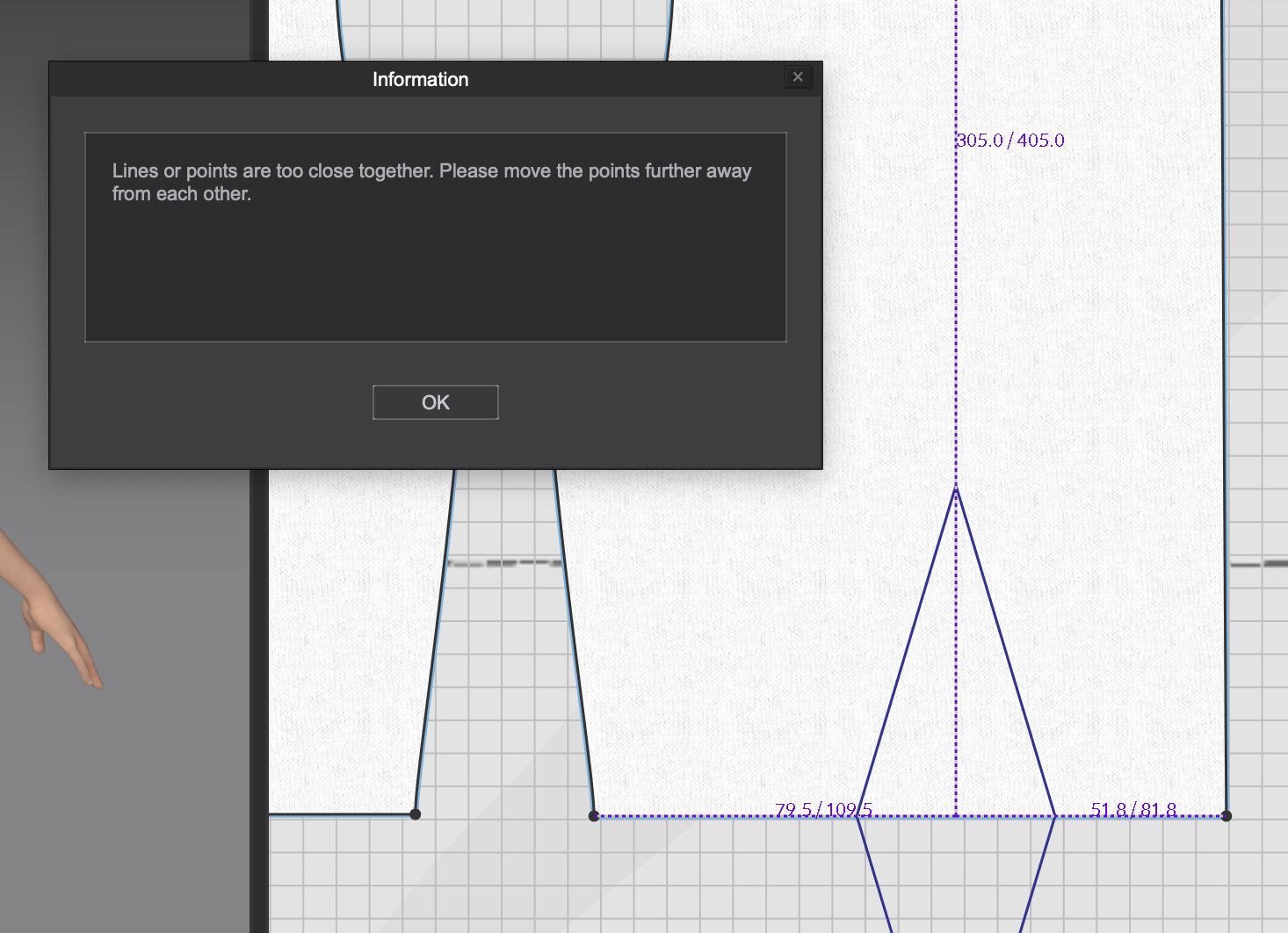
Please let me know if there is a different tool for this type of dart. Thanks! :)
Hi Nicole Keane,
Thank you for contacting us,
The best way to create this kind of dart is to create a segment point on the edge, right click on the segment point and chose "Add Dart"
A pop up window will appear and you can edit the value. This function also exist in our previous releases and we did not make any changes to the dart tool that I'm aware of.
Could you please point me to the tutorial you are watching? I'll look more into it and make changes in the future.
Best regards,
Marvelous Designer Support Team
请先登录再写评论。