
So, here's the deal.
I'm working on MD 8 and 3DS max 2020. I've worked on MD before with several files and never encountered this issue previously.
Whenever I'm trying to export animated objects from 3ds max (I need several objects to collide with MD fabric in one scene), I'm getting this weird flipping inside MD and the animated object gets disoriented.
Been trying to export with all possible types (FBX, OBJ, ABC, PC2, COLLADA) and also flip axis, nothing helps. Whenever I'm switching to the animation module and scrub through the timeline, the object flips for some reason, I have absolutely no idea what goes wrong there. It does get imported with the proper orientation, as you can see. The actual scrubbing flips it over.
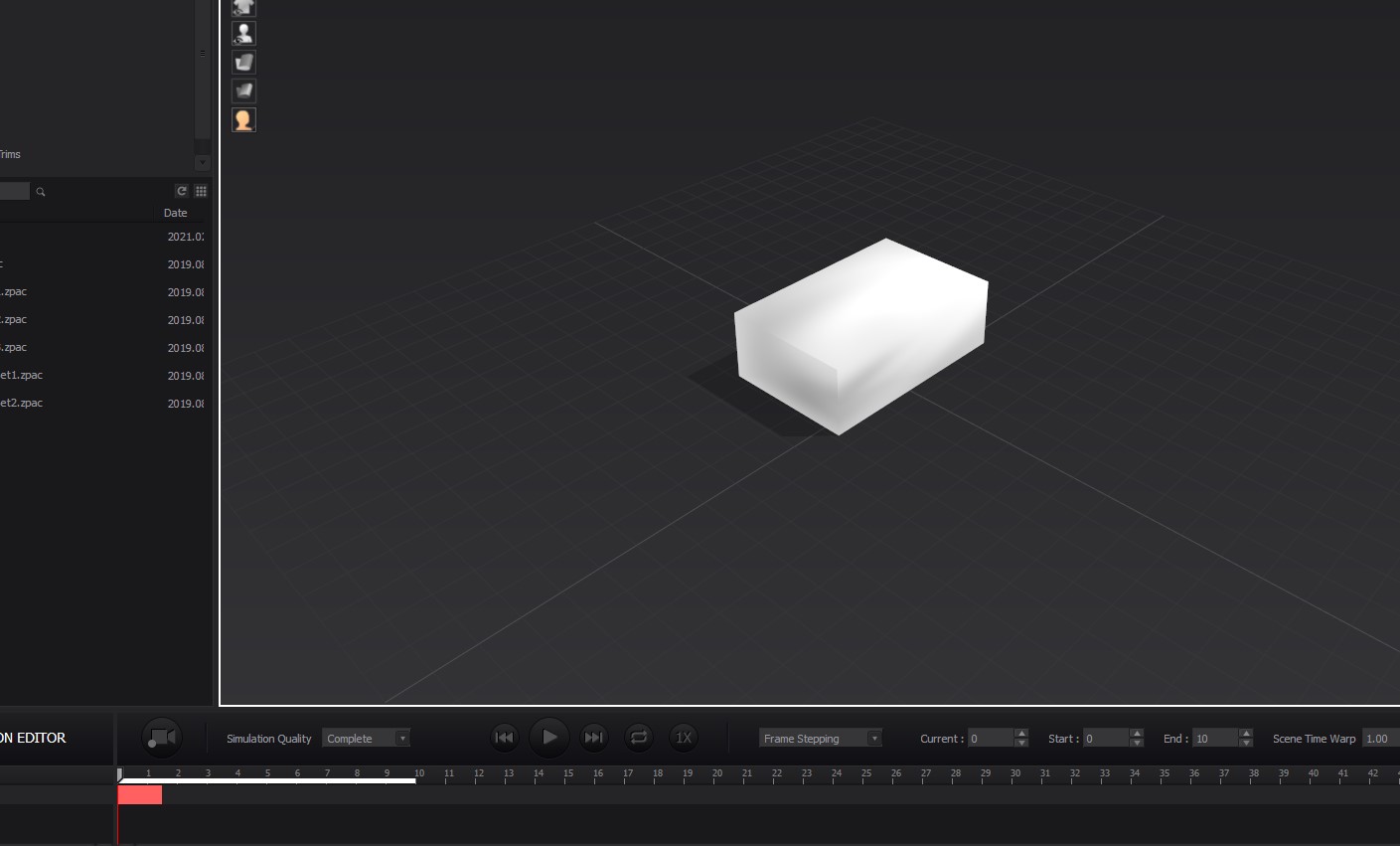
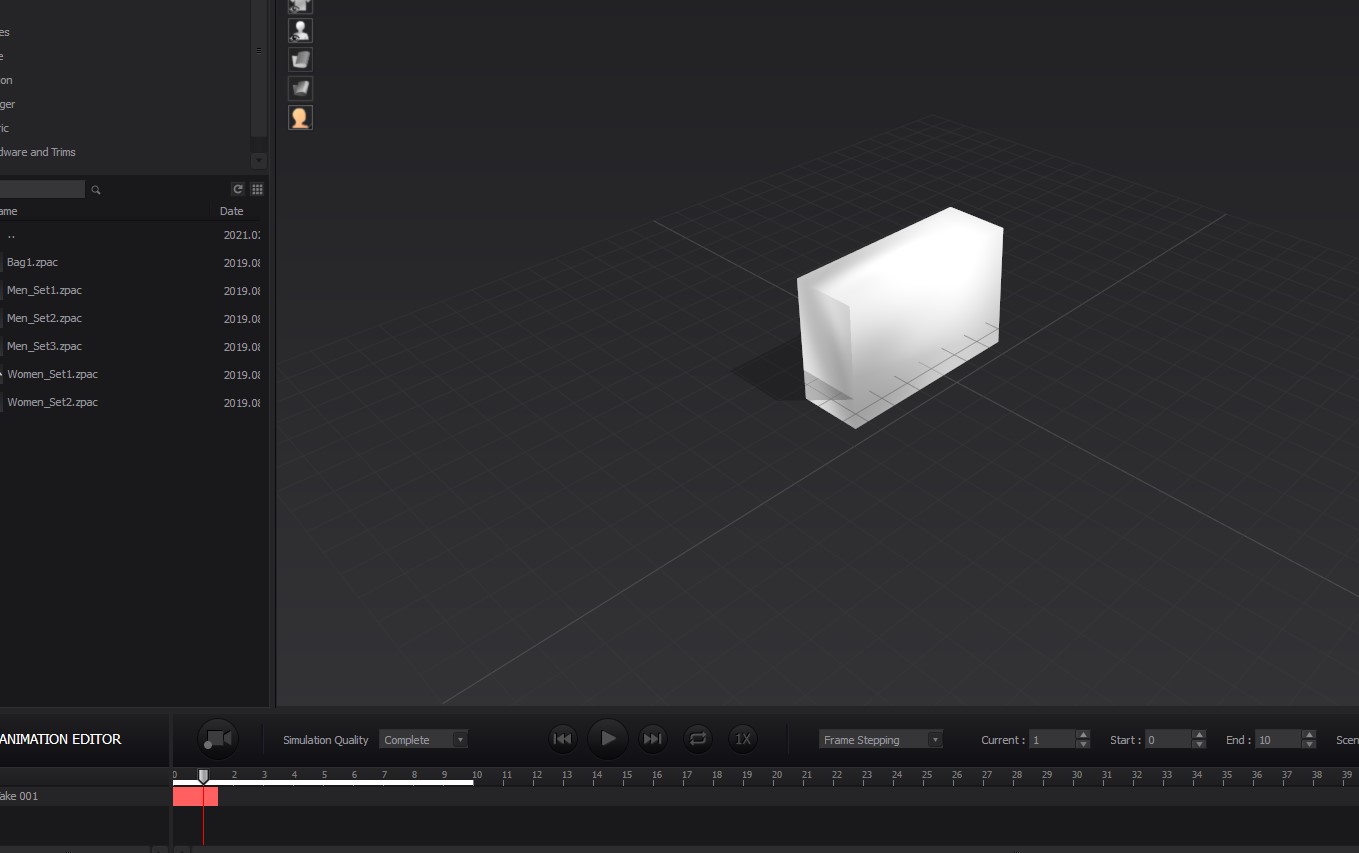
I'm using regular editable polys, I assume it should work properly.
Your help is much appreciated here...
Hello Animation!
Thank you for contacting us.
For further help, could you please share the file that you tested with us via support@marvelousdesigner.com?
Also check the swizzle orientation on your export file from Max. if you have an animated sequence, your binding of the translation movement data might be at odds with the initial object import reorientation in MD, creating the 'flip' from the rested object position. Hence the animation data might need to be corrected for any world translation error on the MD import where the swizzle orientation was changed (delete any residual world orientations such as parented elements etc zeroing those in Max so the object and animation data share the same swizzle world space).
댓글을 남기려면 로그인하세요.