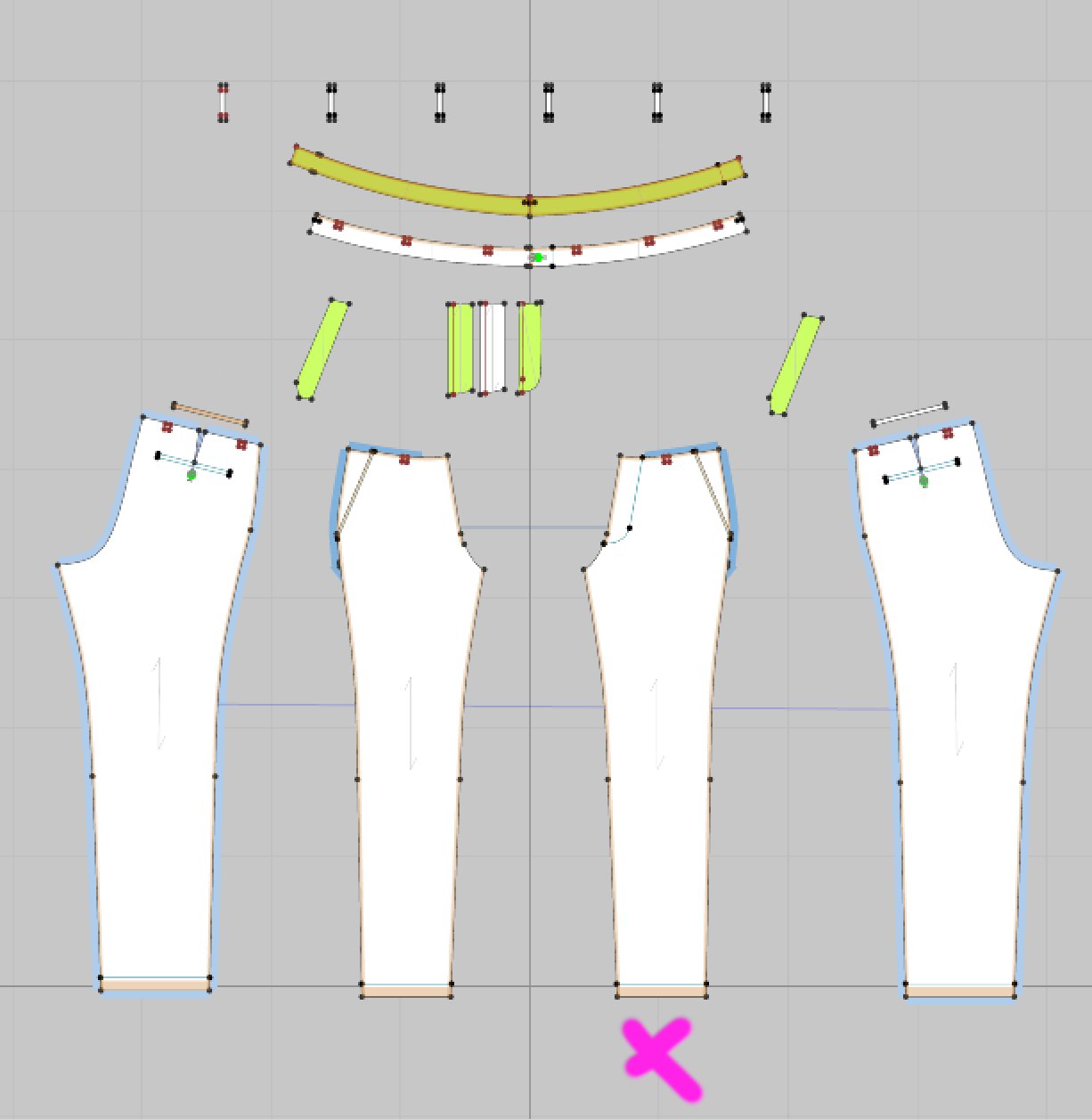
I am trying to align my 2D patterns on these pants but when I select and move the right front leg it takes almost 45 seconds to respond. All the other parts are just fine. Needless to say this is making it impossible to manipulate the pattern.
CD PROJEKT®, Cyberpunk®, Cyberpunk 2077® are registered trademarks of CD
PROJEKT S.A.
© 2021 CD PROJEKT S.A. All rights reserved. All other
copyrights and trademarks are the property of their respective owners.

I am trying to align my 2D patterns on these pants but when I select and move the right front leg it takes almost 45 seconds to respond. All the other parts are just fine. Needless to say this is making it impossible to manipulate the pattern.
I'll call this partially solved, in that I found the problem but not the cause. I deleted all the other parts, sewing and still the lag remained. Then I looked at the part itself and gradually removed features until I finally found the problem was caused by the top stitching on the outside of the fly. When I removed the topstitch the lag was gone. I repeated this on the scene with all the components in place and verified the same. Adding the topstitch back on that one line was extremely slow and caused the same slowness with every action in the scene. I deleted the internal line, redrew it the same as before and added the topstitch back and all is fine. So good that this is OK now but there was nothing I could see wrong with the internal line. I prefer to learn from these situations but I have no idea how this happened or why replacing the line fixed it. Other than the part became corrupted.
サインインしてコメントを残してください。