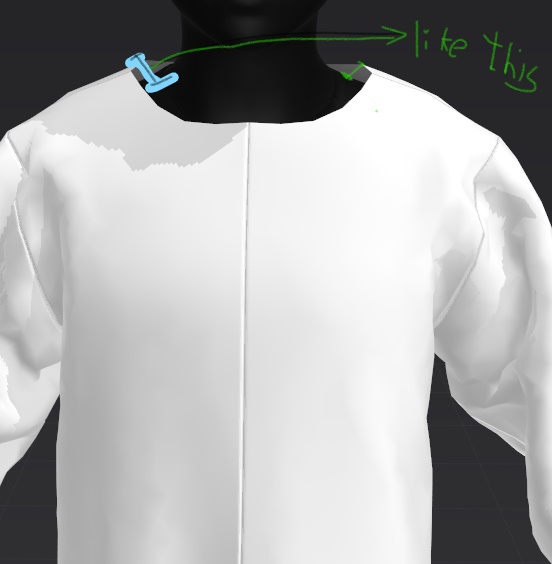
No matter how much I reduce the cloth, the cloth doesn’t stick to the avatar
CD PROJEKT®, Cyberpunk®, Cyberpunk 2077® are registered trademarks of CD
PROJEKT S.A.
© 2021 CD PROJEKT S.A. All rights reserved. All other
copyrights and trademarks are the property of their respective owners.

No matter how much I reduce the cloth, the cloth doesn’t stick to the avatar
Most likely, your imported avatar is too small for the MD world scale, which is real-world based. As a result, the default cloth/avatar offset is too large. Your avatar should be in the 1500-2000 mm height range. The scale/size of your avatar is important because all of the cloth properties are dependent on a given common measurement scale.
To check this, use the menu option of Avatar>Measurement>Height Measurement. Click the tool at the ground plane at the avatar's feet and drag upwards to the top of the head.
Alternatively, you can use the Add Avatar option to add a native MD avatar to the scene, and quickly compare the size of the two avatars.
To fix, you will have to re-import the avatar, and pay close attention to the scale options when you do.
And on another note: it is very likely your avatar has it's normals flipped, as MD displays flipped normals with a dark color. (Unless you deliberately choose a dark colored avatar skin.)
サインインしてコメントを残してください。