
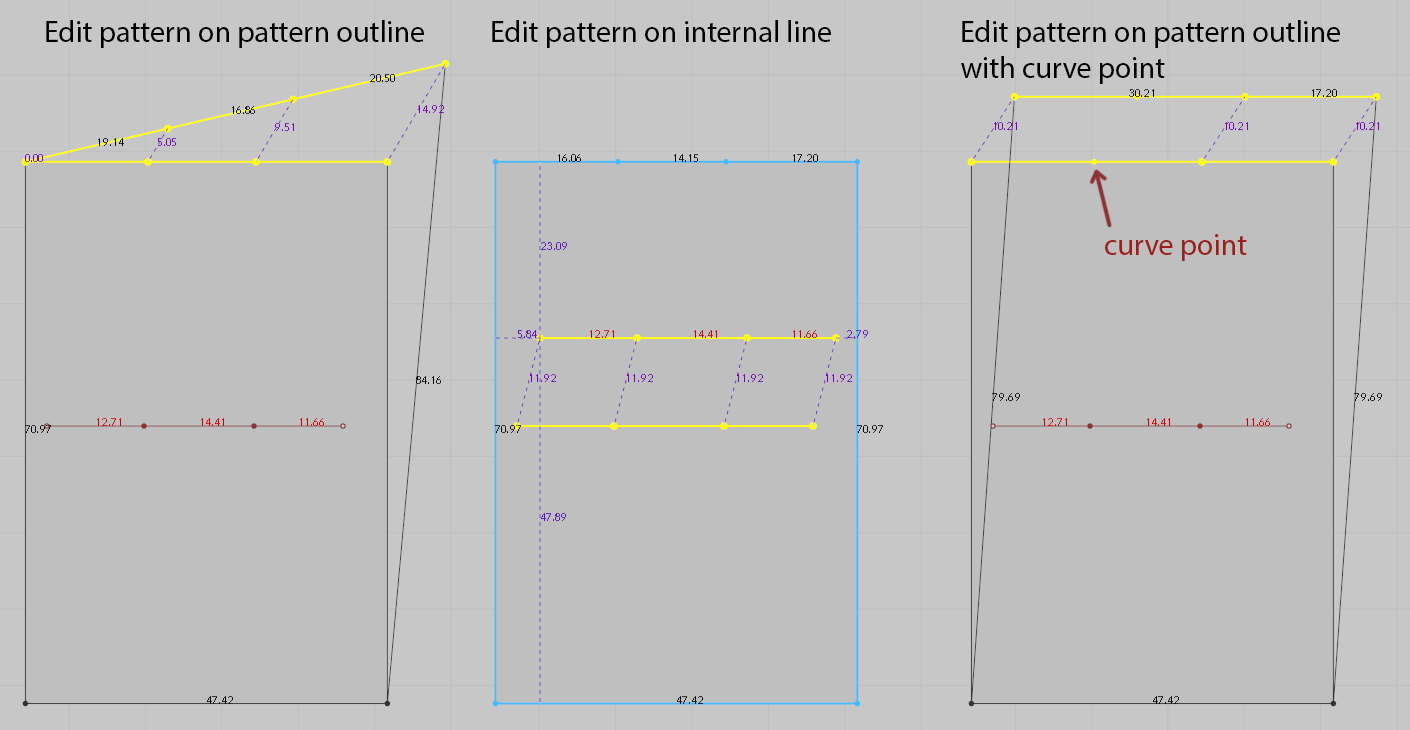
While using edit pattern tool, its behavior is different depending if its used on pattern outline, internal line or pattern outline consisting curve points.
In this example point was selected when performing dragging movement.
On pattern outline only selected point is offset directly, while other points are stretched along the line.
On internal line all point are offset directly.
On pattern outline consisting curve points all points are offset directly.
Currently other than MD10 I have MD7.5 installed where behavior is consistent and always all points are offset.
This inconsistency is currently confusing. It also prevents precise movement and snapping.
Hello Krzeminski!
Thank you for contacting us.
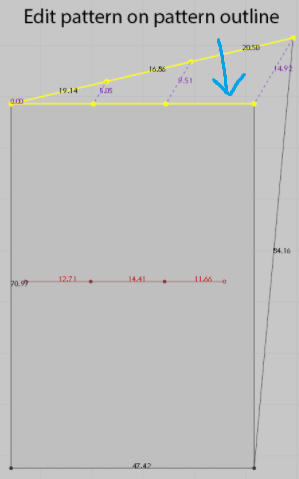
As you mentioned, the Edit Pattern tool is different depending on if it is used on pattern outline, internal line, or pattern outline consisting of curve points. This may be confusing. But, please drag the line that the arrow points to if you want to move the selected line not stretching each point (image below).
Should you have further questions, please let us know.! Thank you.
サインインしてコメントを残してください。