Hi,
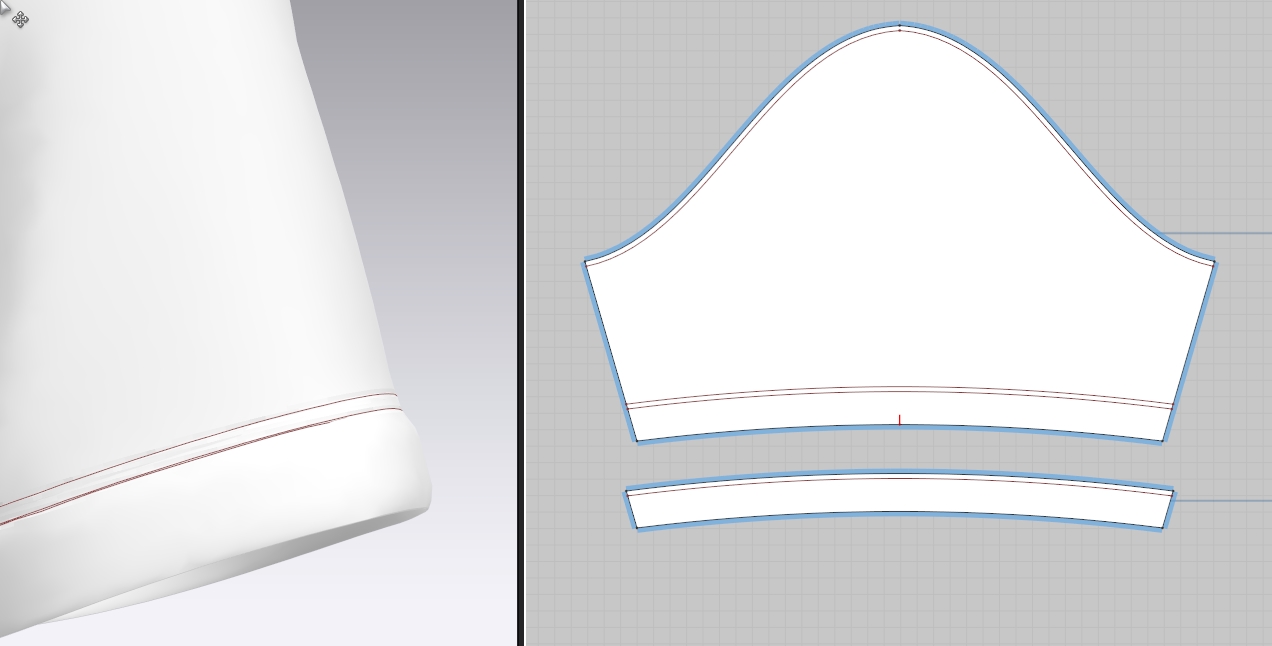
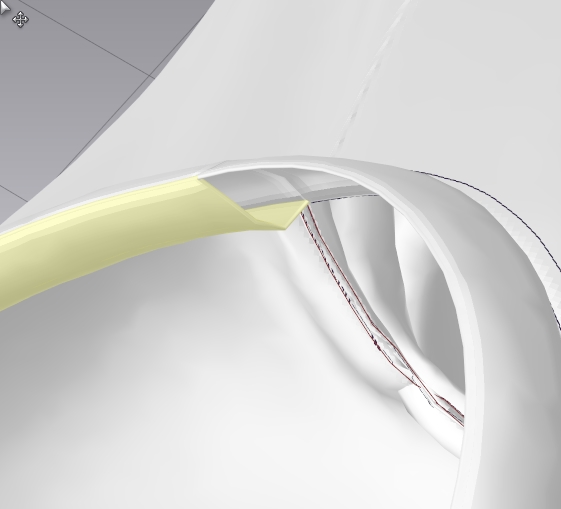
i am doing a Tshirt in MD. my neck and arm cuffs are a bit too puffy, like a little bit inflated.
I need the front and back piece to fold flat to each other. How can i do this?
Thanks,
Bart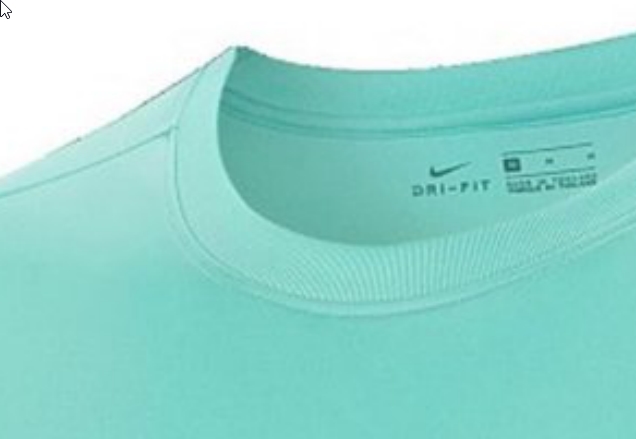
CD PROJEKT®, Cyberpunk®, Cyberpunk 2077® are registered trademarks of CD
PROJEKT S.A.
© 2021 CD PROJEKT S.A. All rights reserved. All other
copyrights and trademarks are the property of their respective owners.

Hi,
i am doing a Tshirt in MD. my neck and arm cuffs are a bit too puffy, like a little bit inflated.
I need the front and back piece to fold flat to each other. How can i do this?
Thanks,
Bart
Hi van Doornik Bart,
Here are some options:
1. using the press tool, click on the top layer than the bottom layer in the 3D window
2. Select the sewing line and go to the property editor, change the "Sewing Line Type" to "Turned".
3. using the "Binding" tool instead of sewing another piece of fabric.
Please only do one of these options.
Best regards,
Marvelous Designer Support Team
Great, Press is doing a nice job for me.
Thanks for the help.
サインインしてコメントを残してください。