
Hello,
I am following all of the steps for auto fitting.
1. Create avatar fitting suit and garment fitting suit, simulate.
2. Add garment to avatar, change particle distance to 20.
3. Simulate.
4. Garment fits on avatar
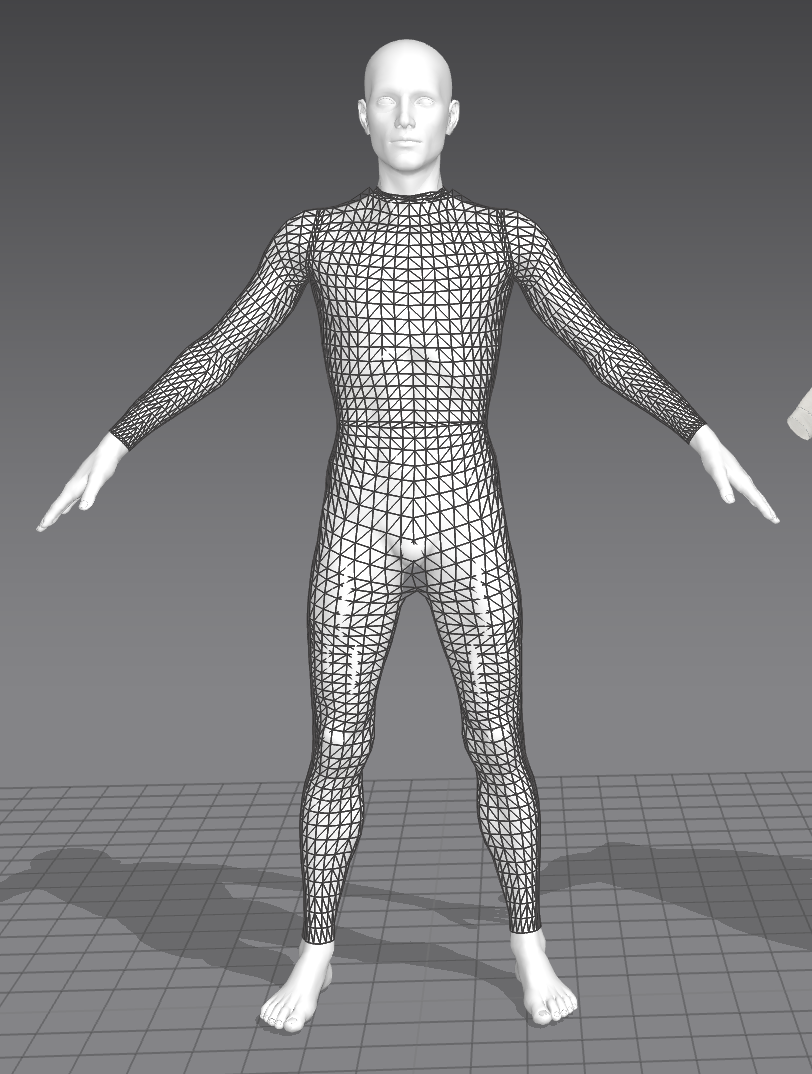
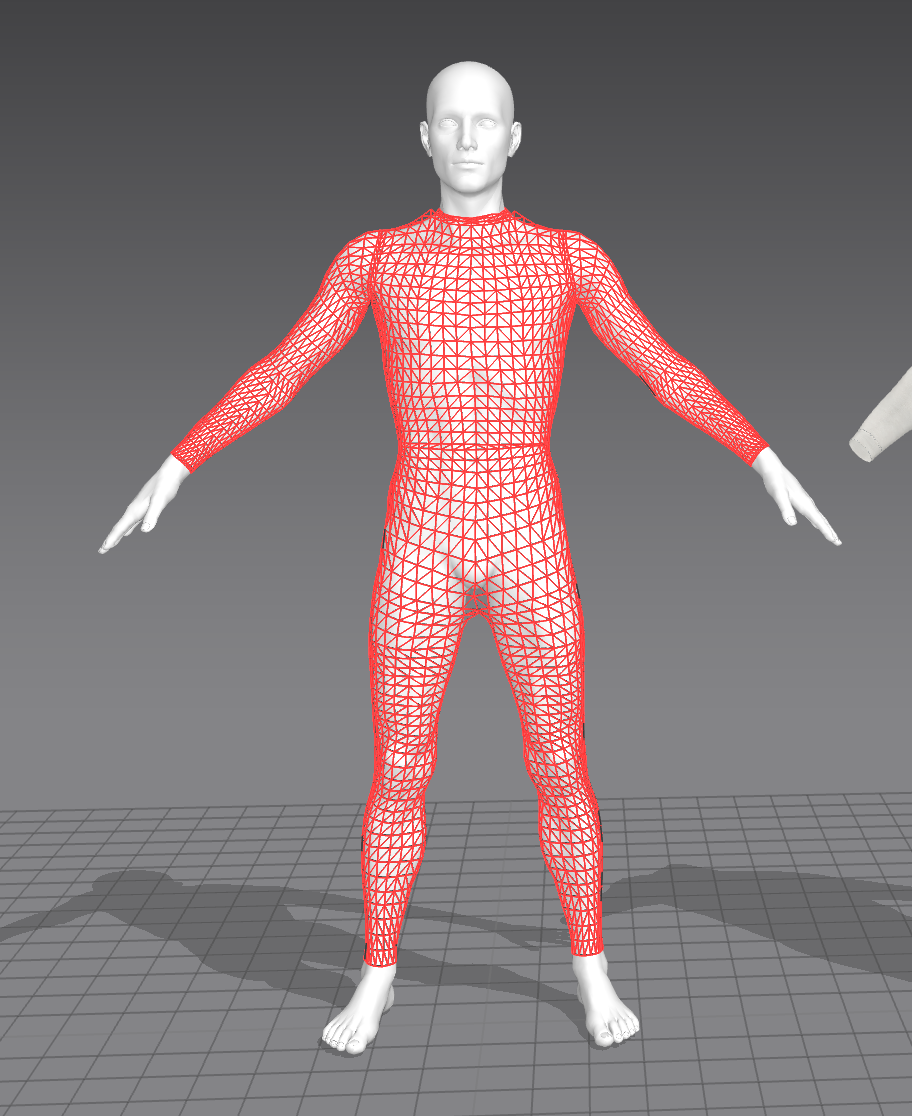
*** PROBLEM : the garment looks like it fits, however in the 2d pattern window you can tell how messed up it is. The curvature and the lines completely change and throw off the look of the garment. Please let me know what I am doing wrong. I added screenshots of pattern before and after auto fitting so you can see the difference in the lines. Also added screenshots of avatar and garment fitting suit! Thank you!
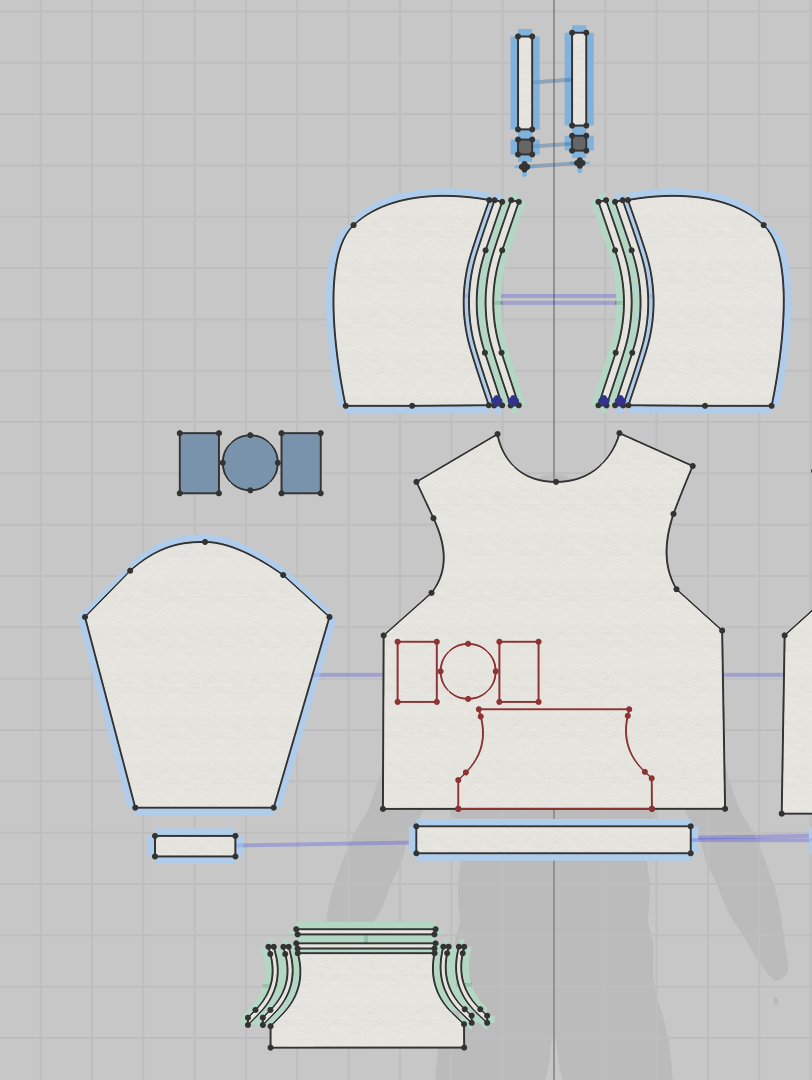
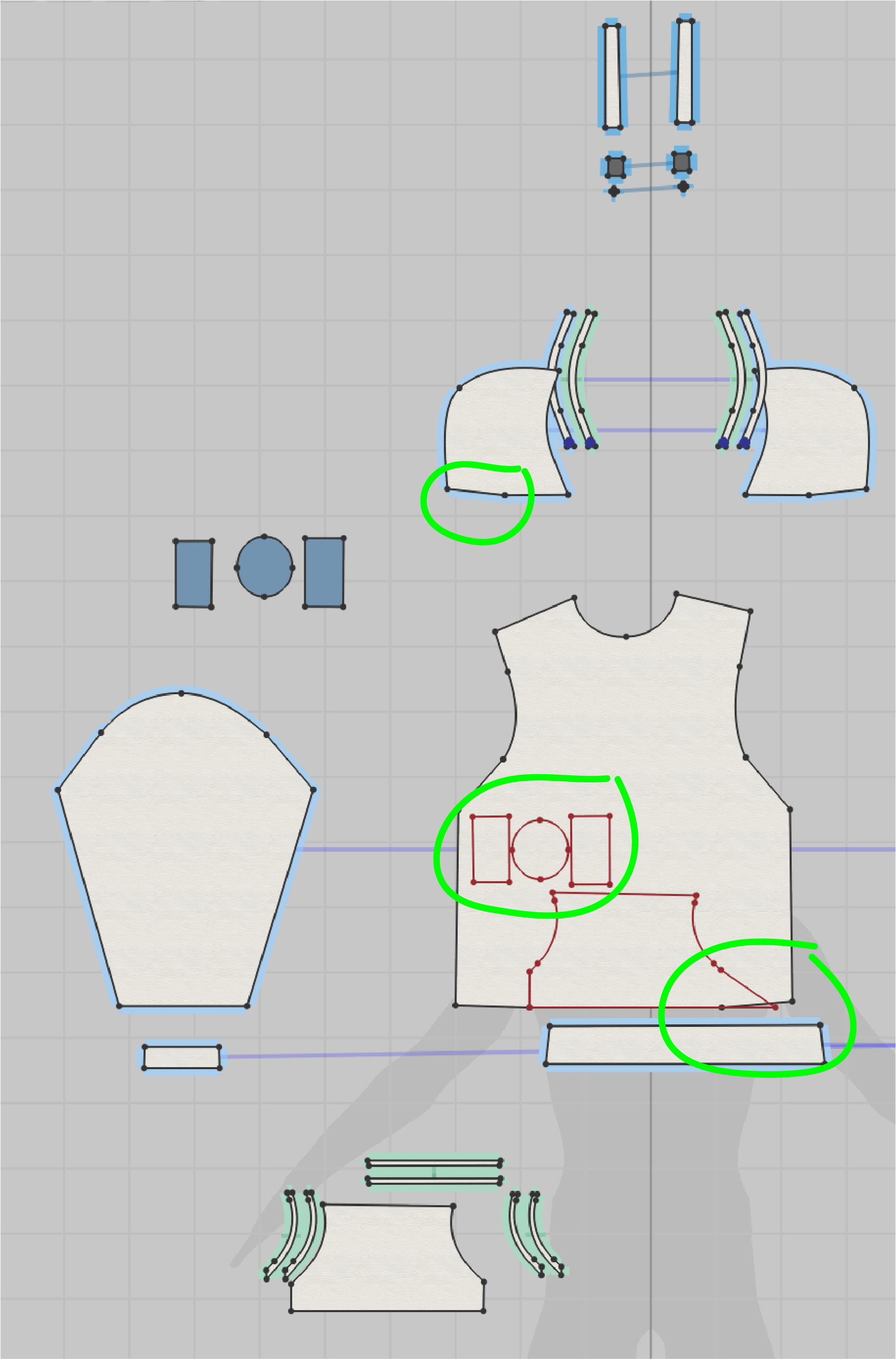
The result you are seeing is what you should be expecting from the tool. When you are using the Auto Fitting Tools the pattern will never be exact to what the original was, due to the nature of how the concept of resizing works and how different the avatar is from the original. (think morph target) Even in the real world concept of "grading": changes and warp to patterns will occur and need to be accounted for in each "size". Imagine trying to scale a 3 piece suit from a XXL too a small, or visa versa, or even making a custom suit: that pattern/garment will need clean up to make it fit as intended on each body type.
In terms of Fit Suit Best practices: make sure its as clean and accurate as you can make it, any errors will be applied as "correct" when you change the size. AKA: If your " 'if than' rule has an error, your results will appear incorrect"
Pattern best practices: Remove all superfluous segment points and work with curve points to make your work more efficient and the changes easier to adjust. IF you don't know what is the difference between those two: please watch any of our beginner patterning tutorials. <<<LINK
TLDR: That is what you should expect, Auto fitting will get you MOST of the way to the answer you want but it will ALWAYS require clean up.
サインインしてコメントを残してください。