
Hello,
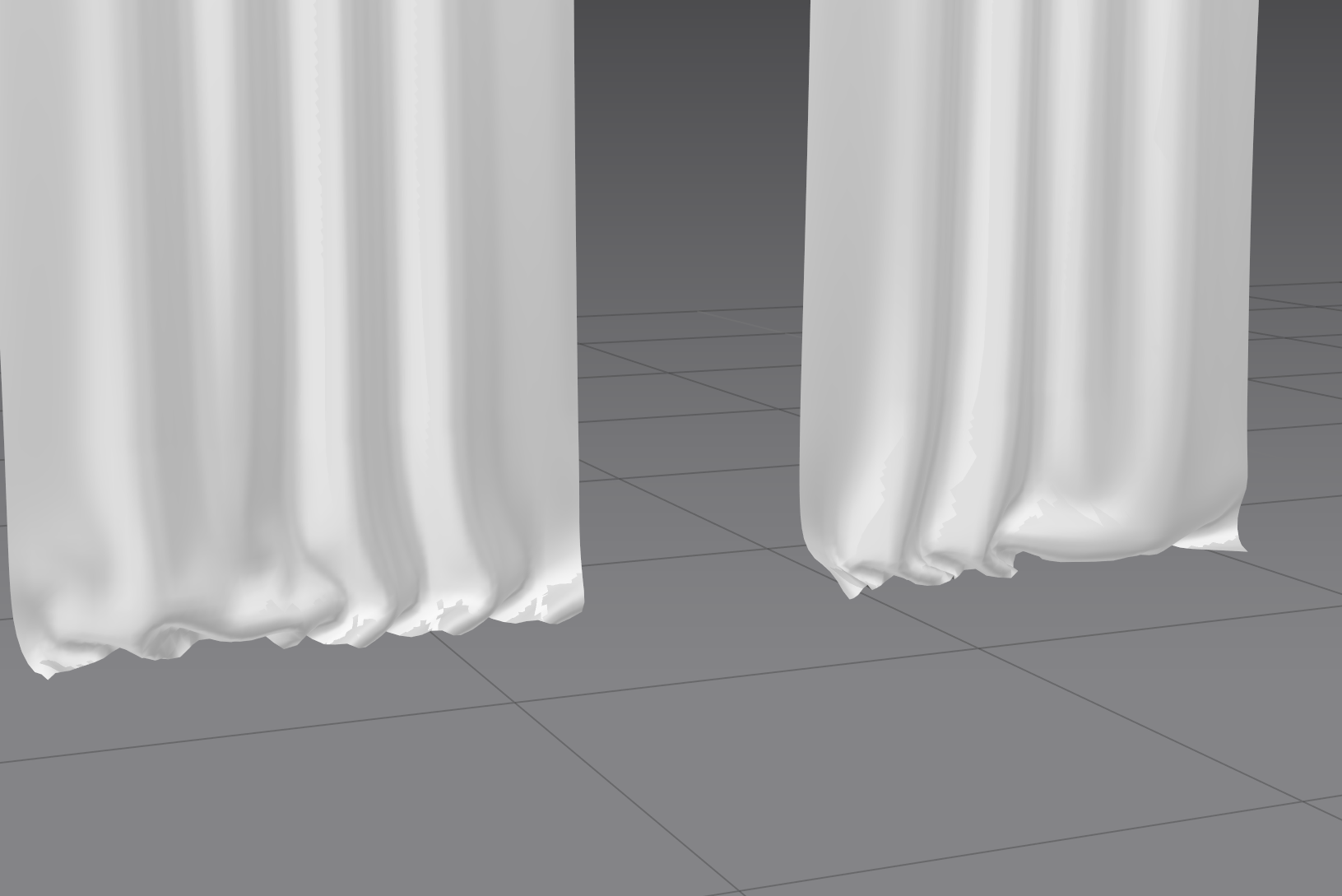
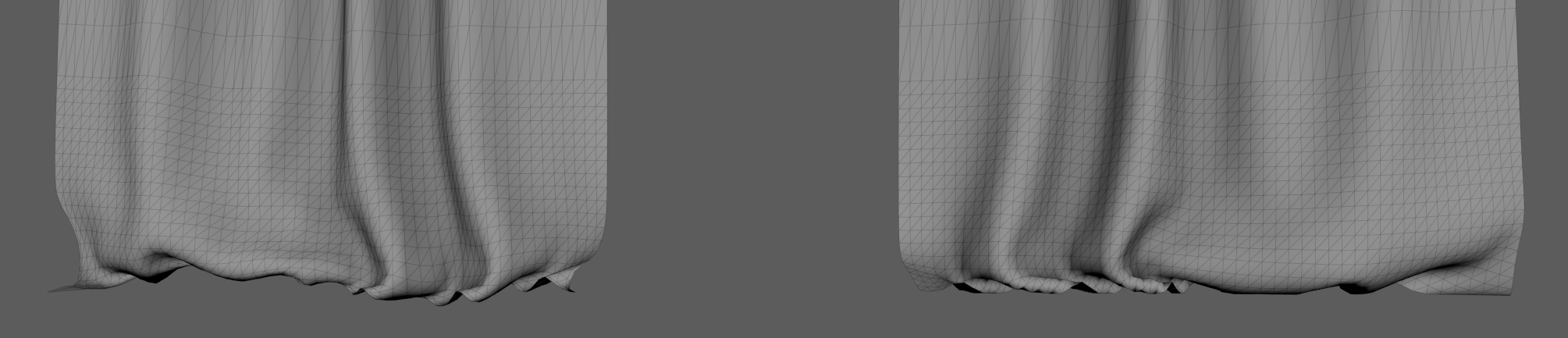
I have imported an OBJ curtain with folds at the bottom.
I would expect being able to remove them in simulation, but they still keep there. The Mesh is originally just a plane, so there is no reason. I tried to drag the parts but they keep the original from.
How can I solve this? thanks (version used is MD12)
Screenshots show imported mesh after simulations and the original mesh in Maya
It depends on the use you want to give to the imported object, you must Import/Open it into the scene in one way or another. If you want it to act as a collider object, you must import it as an Avatar or Trim. If you want it to be affected by Simulation you must: Main Menu ▶ File ▶ Import (Add) ▶ OBJ to Garment. This way Your object will be treated as a garment and so affected by simulation.
Thanks, but I had imported them as Garment (with add) and they do simulate, but the bottom part is like "solidified", it never completely elapses.
I imported those without "Trace 2D pattern" because I wanted to keep the overall shape.
Maybe this way is limited? As soon as I import them with "2D pattern", I am loosing all the shape. I just wanted to enhance the existing cloth a bit.
Could upload an image of the 2D pattern of the object you're trying to simulate? After that, I could elaborate a bit more on what is going on.
サインインしてコメントを残してください。