When I try to open another top stitch style I get an error "Unknown File Type" The files are .sst in the folder. I'm new at Marvelous Designer. Thanks for any help.
@...C, that sounds quite odd. Its doing that to default assets, with the property editor? Can you record your screen and show us the steps you're doing to get that error? We and other forum members can't tell much with with just the couple of sentences,
If you try to import top stitching with a double click> that error will occur. The reason is it needs to be brought into the active topstitch library by either importing into that library through drag+drop OR dragged and dropped onto existing top stitching in the scene. Double clicking to import without a destination results in that error. (ill submit it as a feature request just in case) t
3 ways import topstitching .sst file :
OPEN the TOPSTITCH window> drag file into the topstitch window> it is now usable
OR
From the Hardware & trims Folder> Drag + Drop the .sst file on existing top stitch in the 2D window.
OR
Open Topstitch window> Select a topstitch in the Library window > Look at Property editor>Specification> shape (either default options or import with OPEN)

When I try to open another top stitch style I get an error "Unknown File Type" The files are .sst in the folder. I'm new at Marvelous Designer. Thanks for any help.
@...C, that sounds quite odd. Its doing that to default assets, with the property editor? Can you record your screen and show us the steps you're doing to get that error? We and other forum members can't tell much with with just the couple of sentences,
I wanted to change stitch type.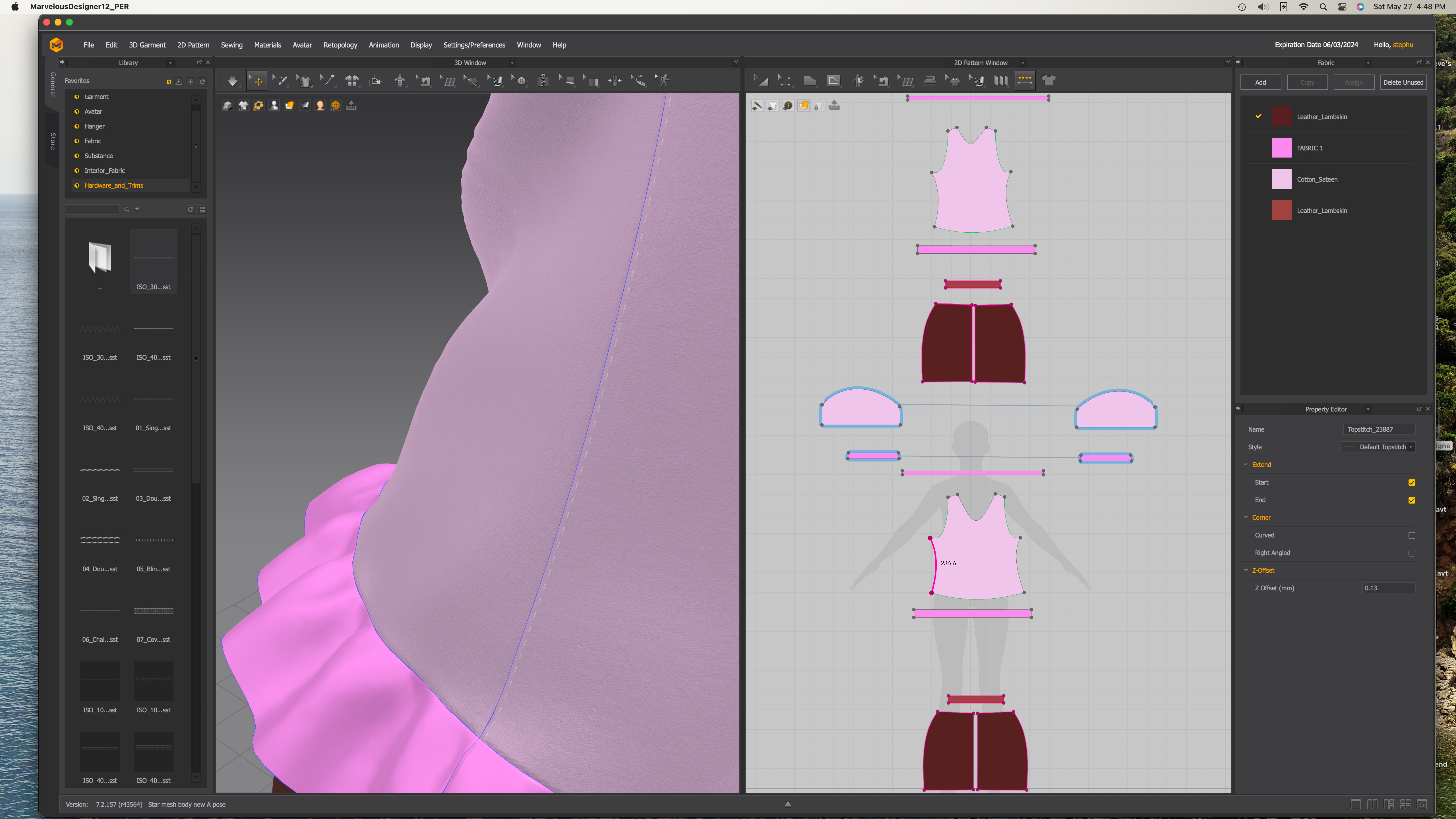
Any of the stitch I pick I get the error.
Thank you.
@...
If you try to import top stitching with a double click> that error will occur. The reason is it needs to be brought into the active topstitch library by either importing into that library through drag+drop OR dragged and dropped onto existing top stitching in the scene. Double clicking to import without a destination results in that error. (ill submit it as a feature request just in case) t
3 ways import topstitching .sst file :
OPEN the TOPSTITCH window> drag file into the topstitch window> it is now usable
OR
From the Hardware & trims Folder> Drag + Drop the .sst file on existing top stitch in the 2D window.
OR
Open Topstitch window> Select a topstitch in the Library window > Look at Property editor>Specification> shape (either default options or import with OPEN)
If I drag the file into the topstitch window it works. Thanks
サインインしてコメントを残してください。