
When I create a new garment then edit the UV's, the patterns are all on top of each other. In previous versions I believe the default UV layout was taken from the 2D pattern layout. It would be nice to be able to have that as a starting point again, so that I don't have to pull all of the patterns off of each other to get a good starting point for my UV's.
In the attached images, pants are from a previous version of MD, and the shirt I made in MD10. Without touching the UV's, the pants take their initial UV layout from the 2D Pattern Window. Is there a way to get this behavior back? Thanks!
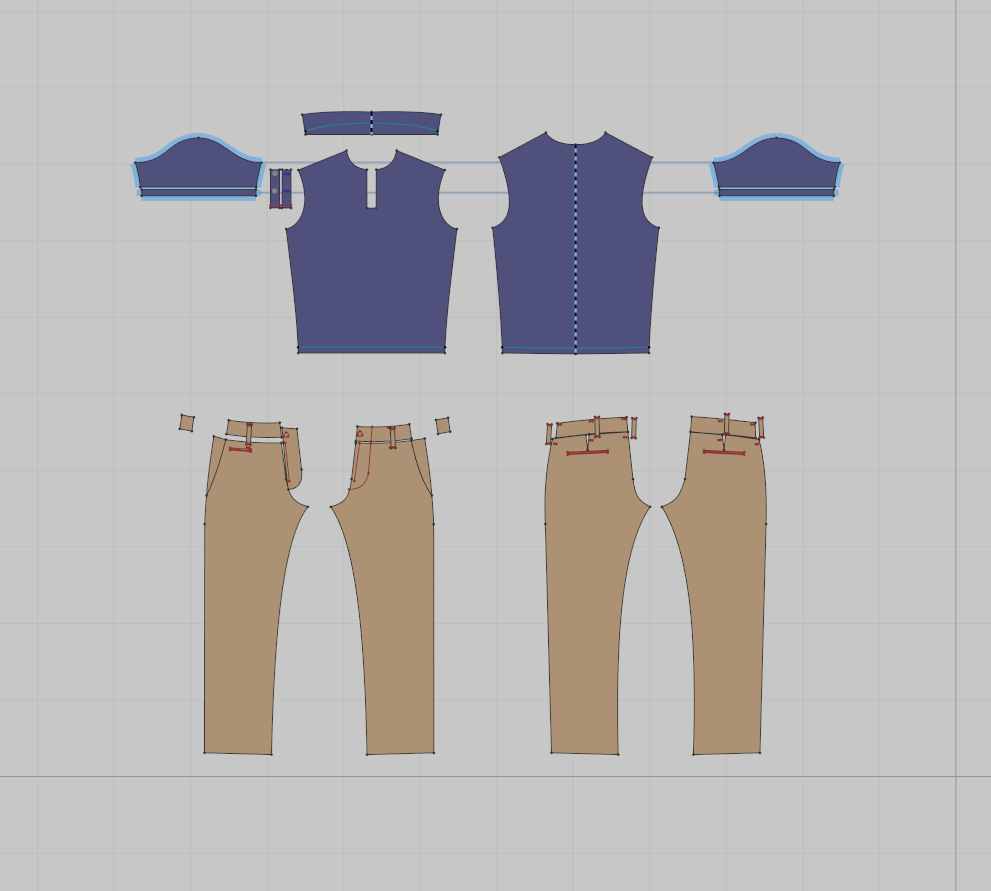
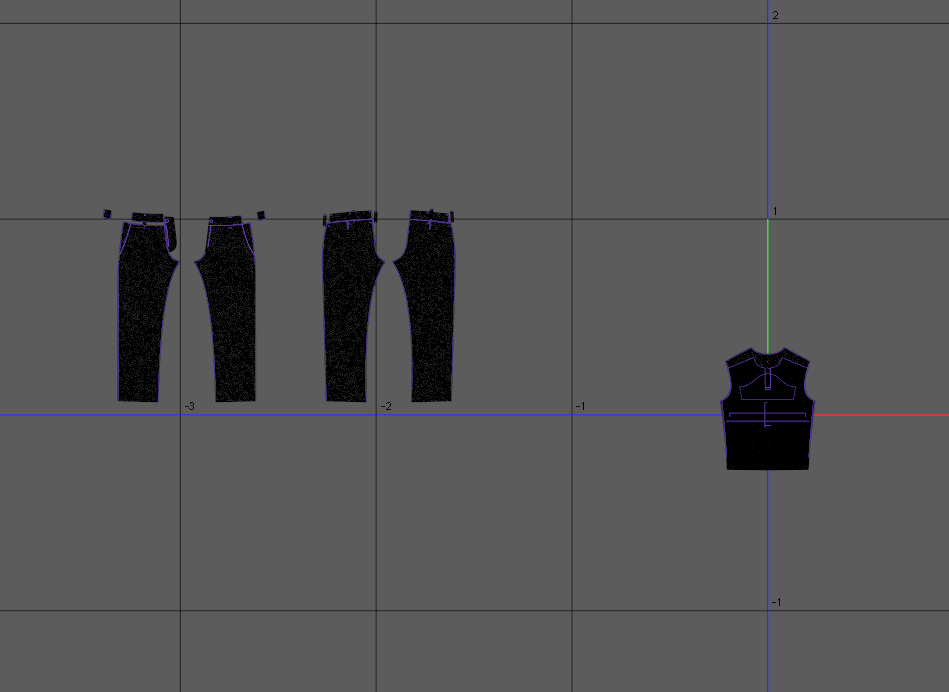
If you right click the mouse in the UV area a pop up modal will come up and you have a few options to re-arrange your patterns on the UV (UDIM) map space > which includes arrange patterns to the 2D layout.
:-) Hope that helps, the feature is still there.
Thank you! This whole time I was always selecting patterns then right clicking. Cheers!
Please sign in to leave a comment.