Hello community,
first of all i want to apologize if it is a stupid question. I don't use MD on a daily basis and if i do, its only for smaller things so far and therefore i have pretty limited knowledge.
Now for the situation:
I try to make simple round pillows/pillowcases, imported from 3DsMax.
I've done pillows in the past, working with 3DsMax, exporting as OBJ and importing to MD using the 2D-trace and it worked well.
Now i've encountered that i can't do the same with round objects. It will not import, not show up, no pattern will be visible on the left side.
I tried several times, with shell, without shell, as fbx-import... And always get the same result.
While the star-pillow works flawlessly, anything round just won't work imported.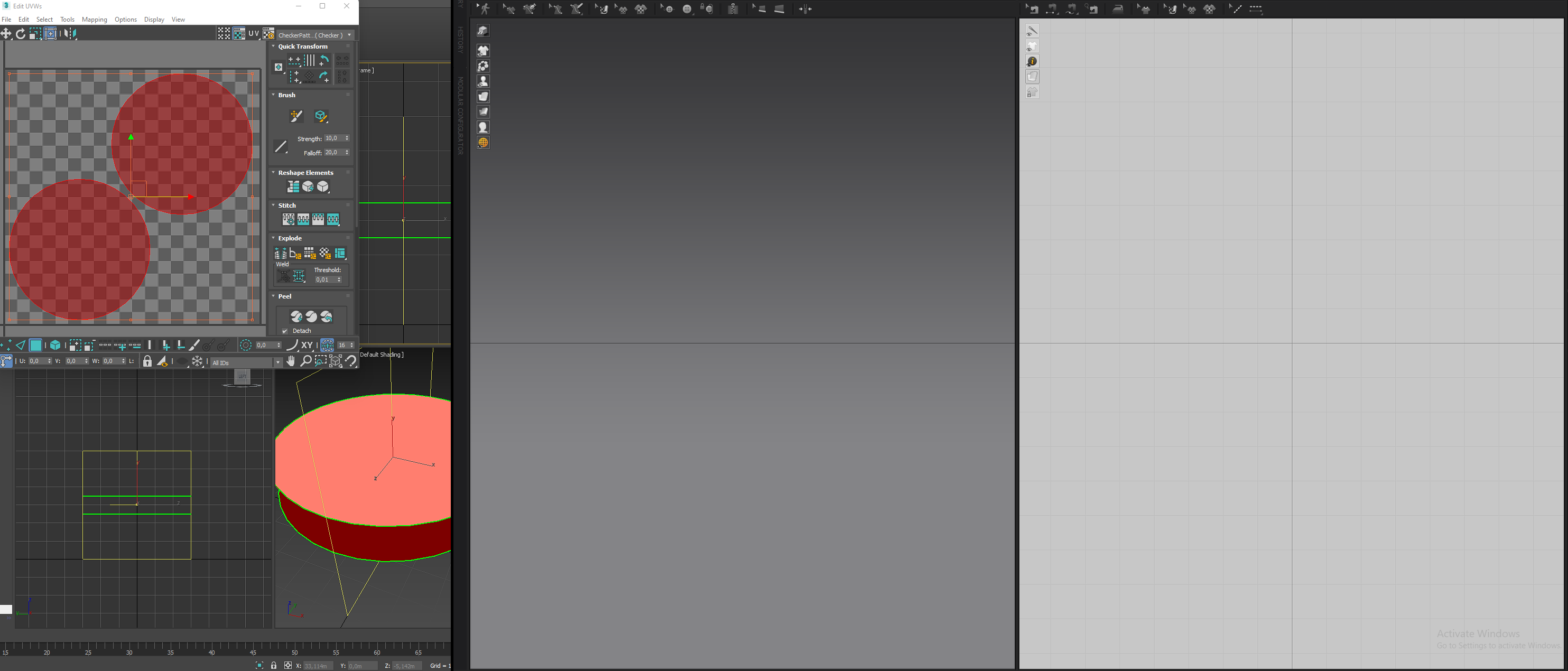
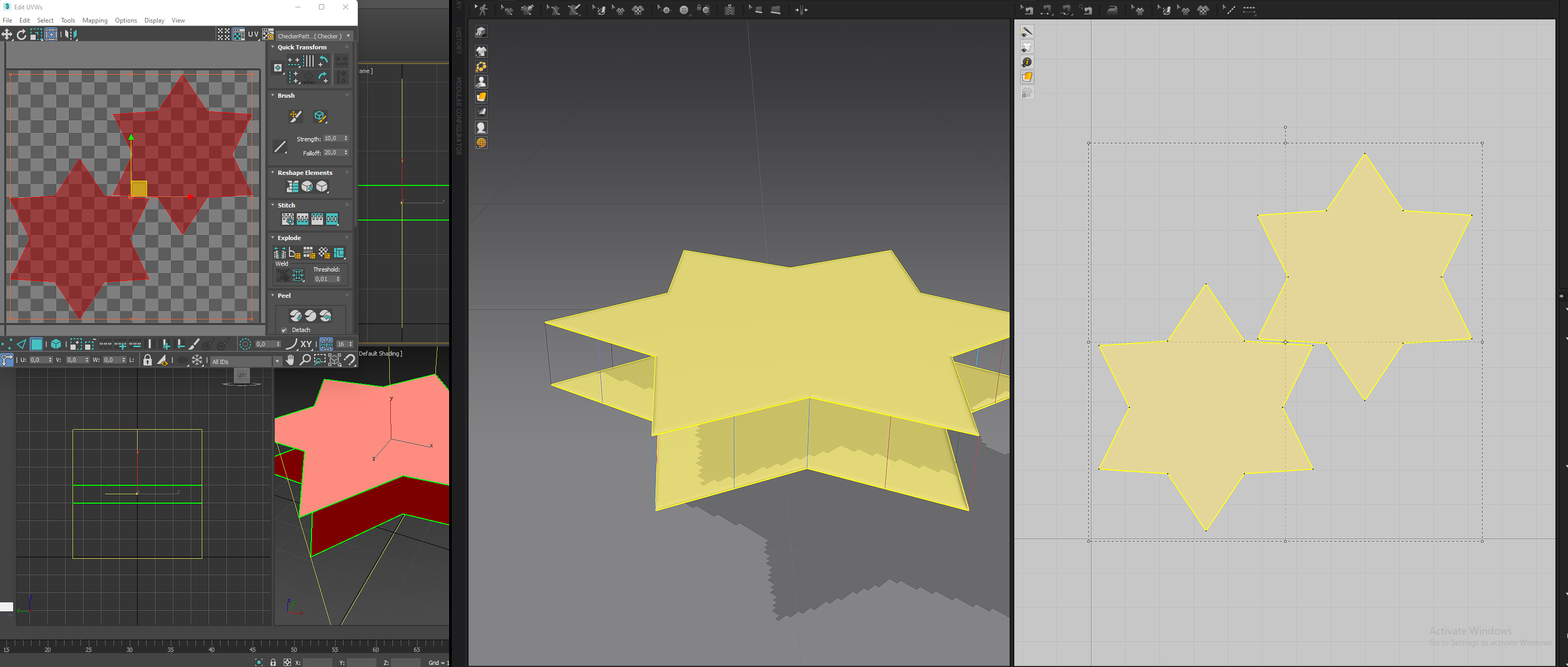
Sidenote: The goal is not to have a round pillow at the end, i will need to use 3DsMax and the traced pattern in future for what i'm actually working on. Importing anything round is just a very neccessary step in this case, the fix won't be that i just create any round shape in MD and go to town :)
I'd be very happy if someone could explain to me what goes wrong and how i fix it

Hi An,
Thank you for contacting us.
Currently Importing 3D object to garment with "Trace 2D Patterns from UV Map" does not work with circle. It is because Marvelous Designer can not find a spot to create a segment point.
The segment point is the black dots in the 2D window. You can import an ellipse with "Trace 2D Patterns from UV Map" but not circle at the moment. I have created a bug repot for this issue.
A work around would be edit one vertices on your UV to make a sharp point, then convert one curve point to segment point on the circle, then convert the existing segment points to curve points and delete them. (you need at least one segment point to make a pattern in Marvelous Designer).
If you need more information on my work around, please send us a support ticket and I will send you a quick video recording.
Hope this helps!
Best regards,
Marvelous Designer Support Team
Hi Brandon!
Thank you a lot for informing me :)
I will happily get back to your workaround-offer
Please sign in to leave a comment.