
Greetings friends.
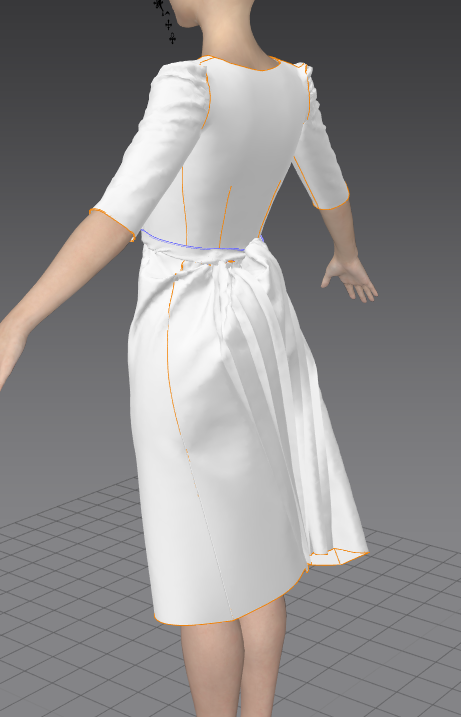
Please help, everything was fine until I added a belt, it is sewn on the bottom seam to the skirt.
But the skirt started trying to get through the belt.
Can you tell me why this is happening?
I have also already tried to increase the density of the mesh, both on the belt and on the skirt, in addition, I increased the thickness of the fabric. Included both regular simulation and Fitting.
But alas, nothing helps.
Help please.
Hi Daniel,
You can use layering function to solve this problem. Please watch this video for more information on layering [Link]
Please use layering together with shrinkage function as the second part of the video described for best result. Shrink your dress first using shrinkage weft till it's tight to the avatar's body, then make the belt. After the belt is made, freeze the belt and gradually increase shrinkage weft till it's back to 100 percent.
Best regards,
Marvelous Designer Support Team
Thank you for your response and your help. I still have one more point that I don't understand, I've already watched a lot of videos from your platform. But unfortunately, I still can't figure out how to get such folds.. I just made them, but they are very sharp... And in my version, they are sharp at the beginning and then smoothed out... I've changed almost all kinds of fabric... Lowered the particle distance. But alas, it doesn't help much, maybe I was close but I missed something... ???
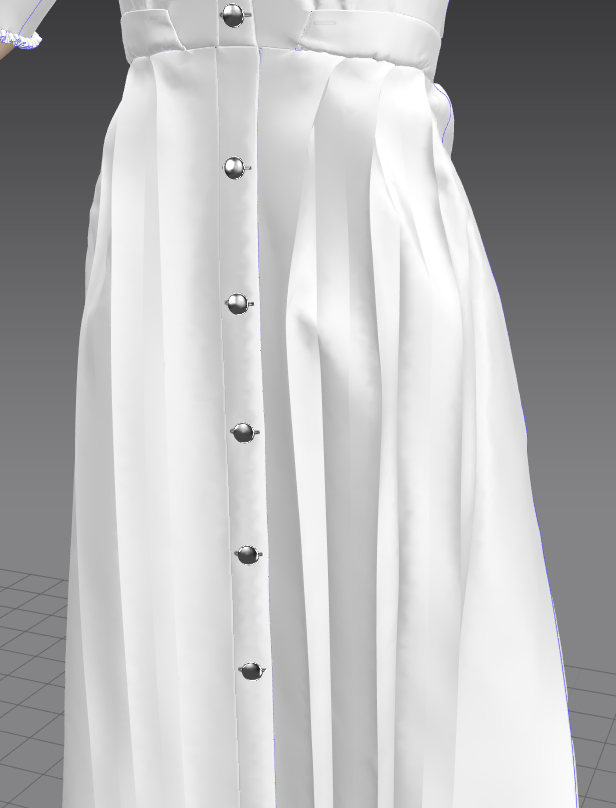 Here's what happened
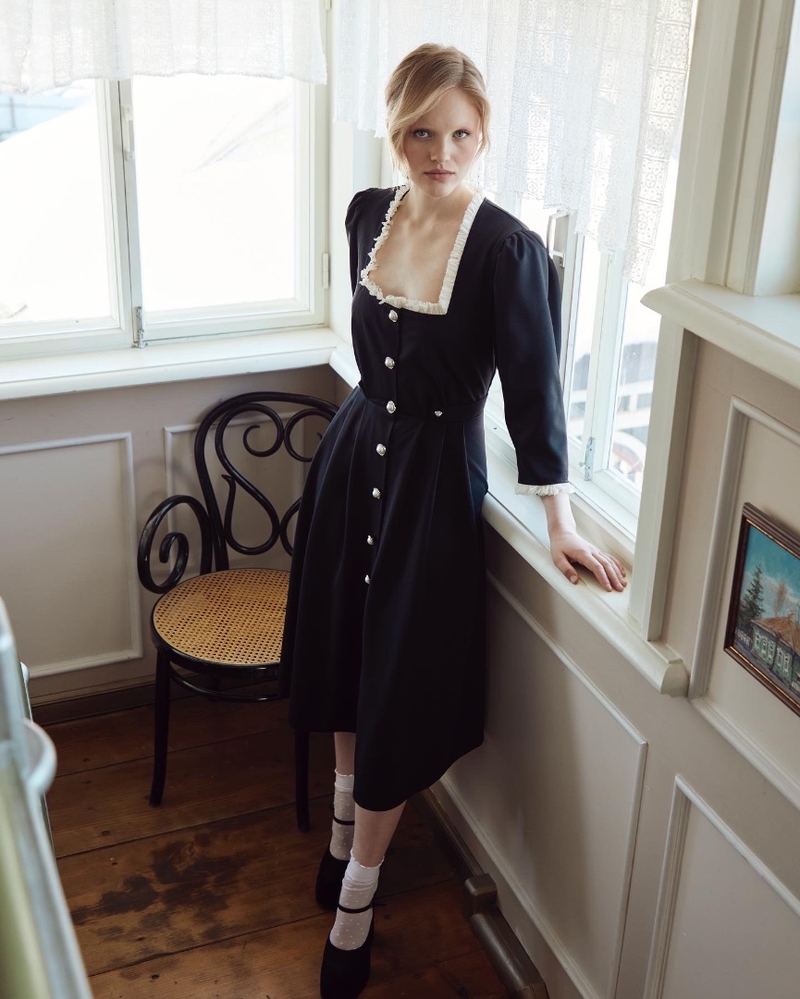
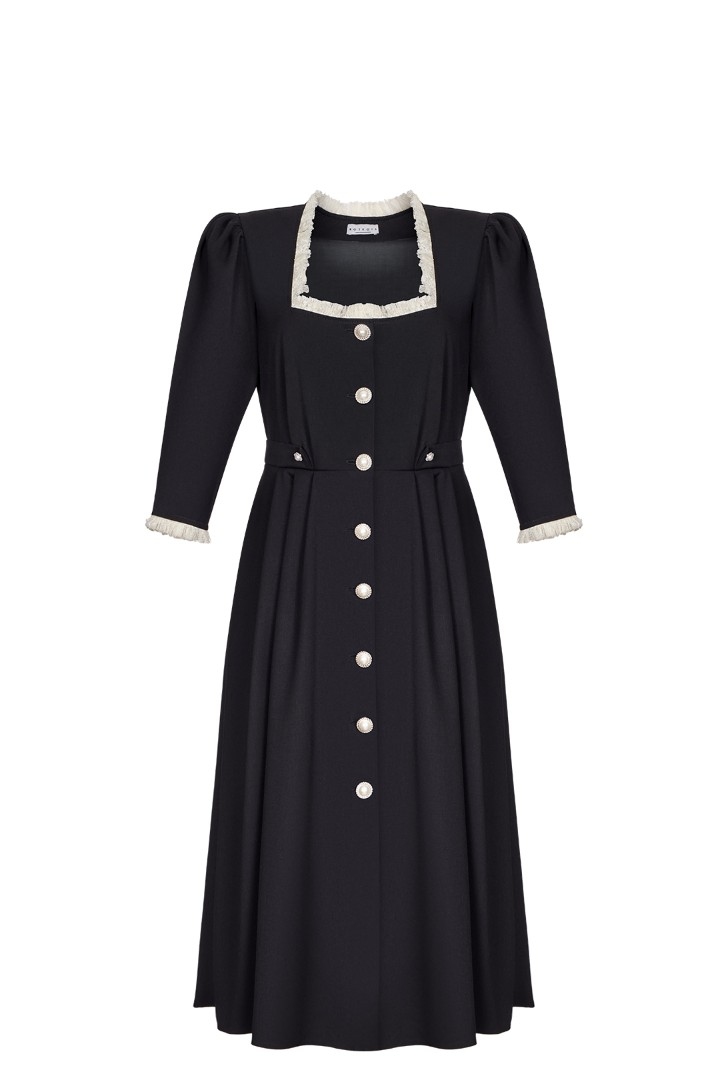
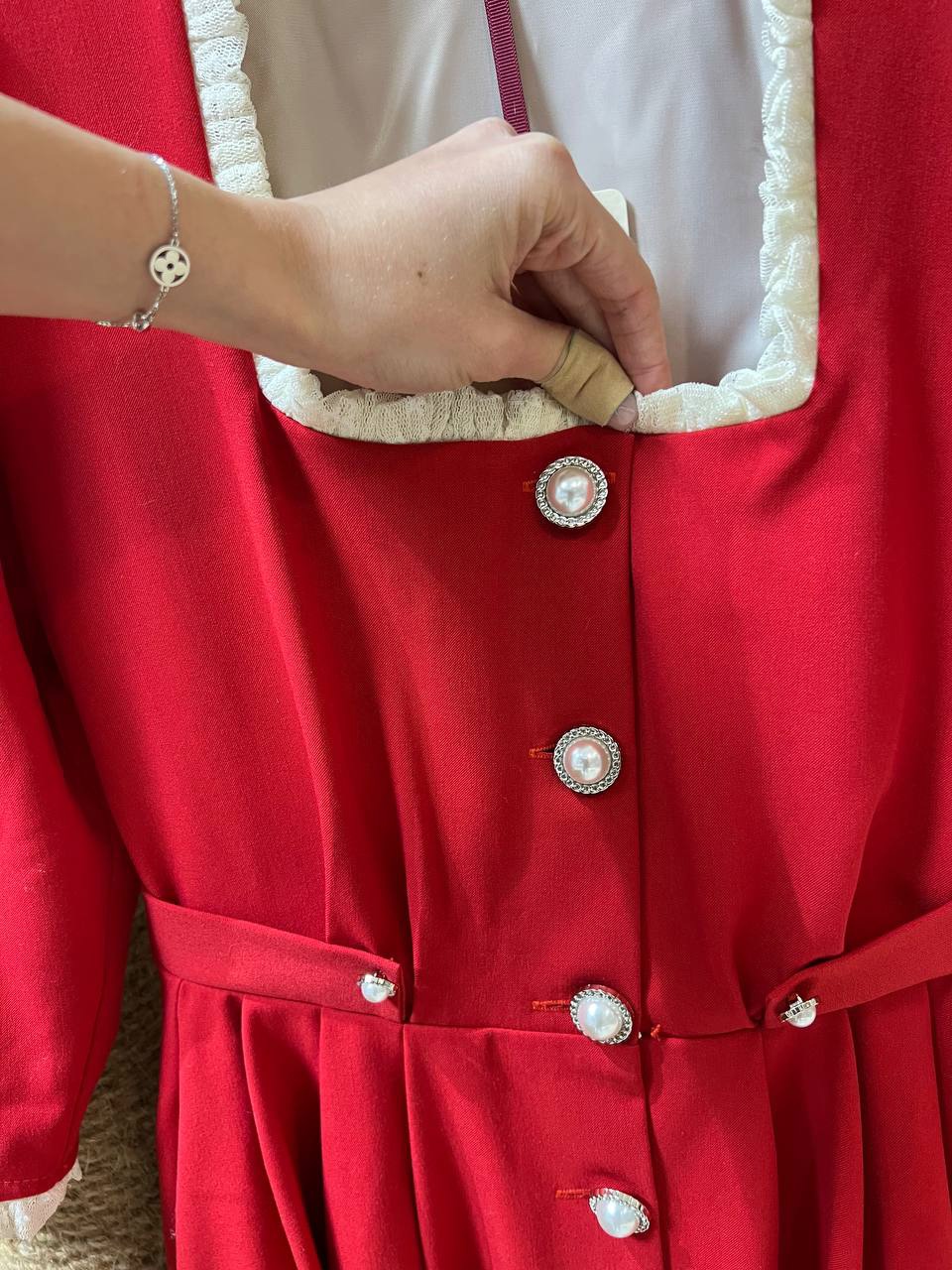
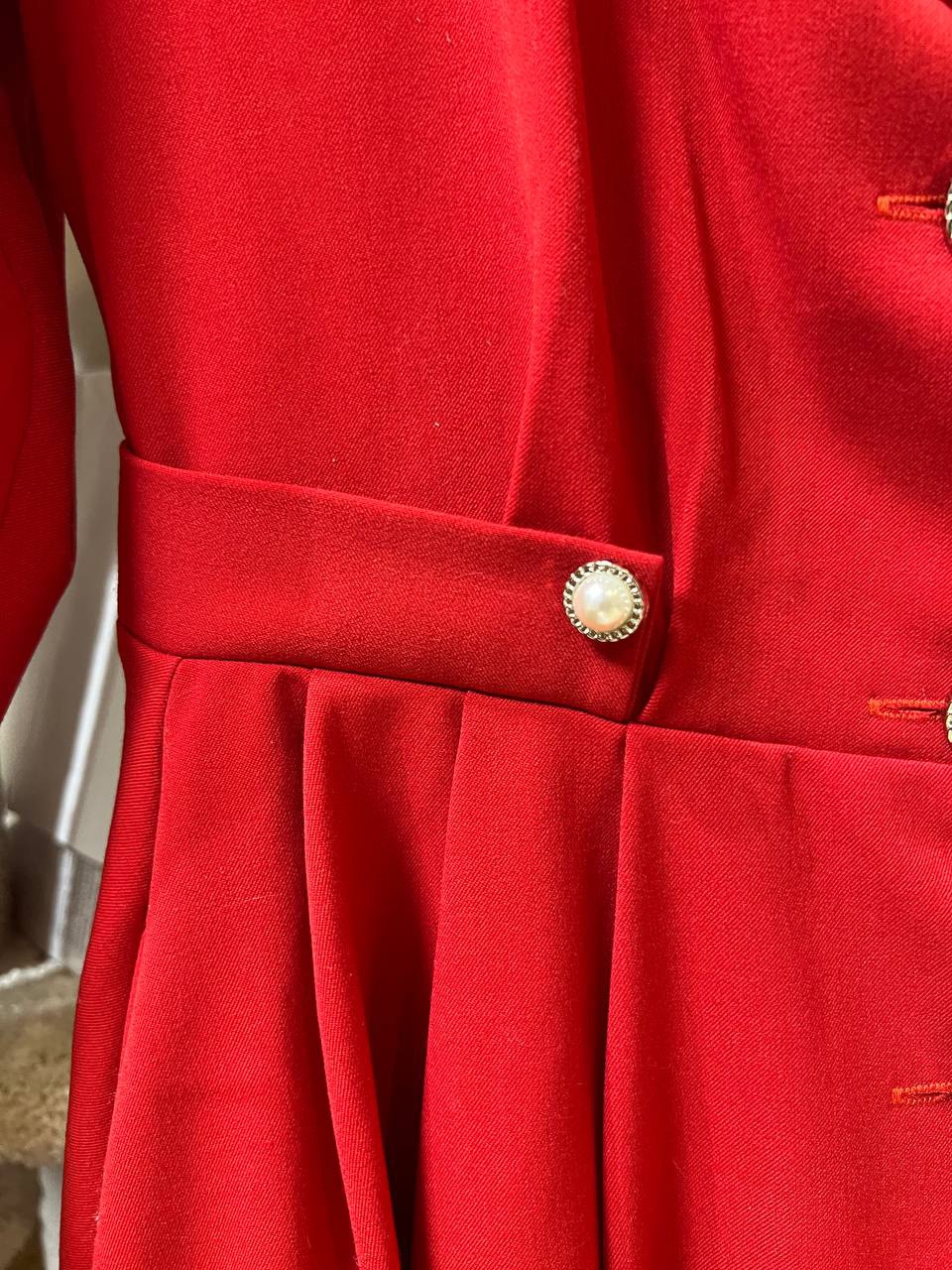
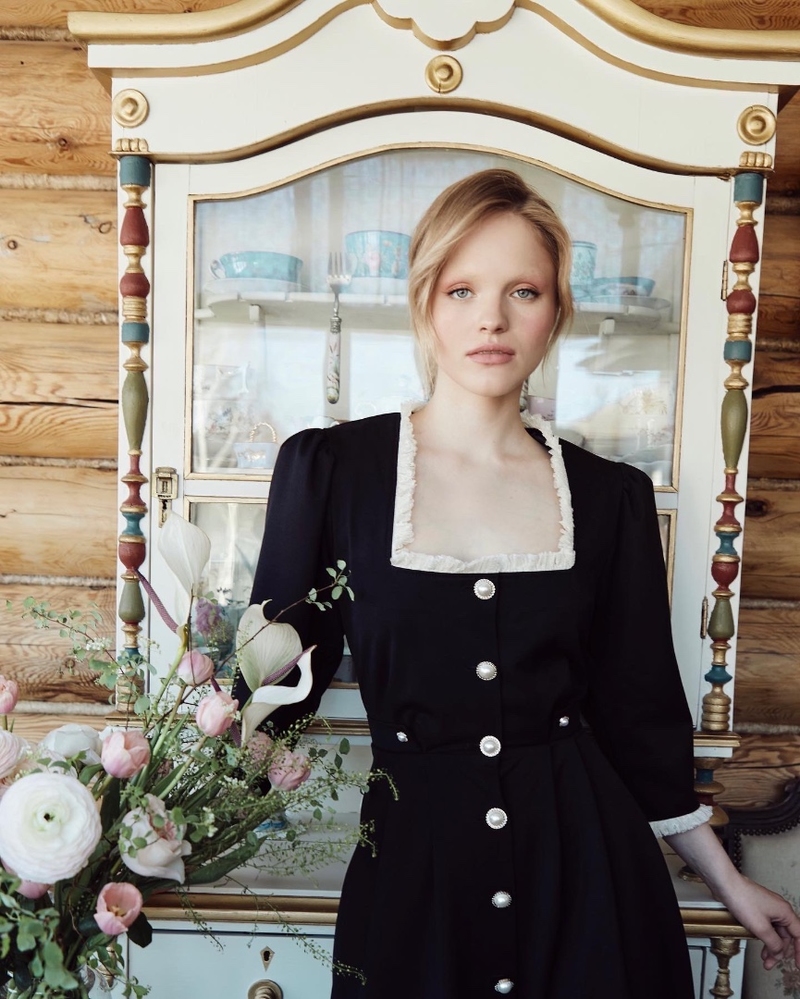
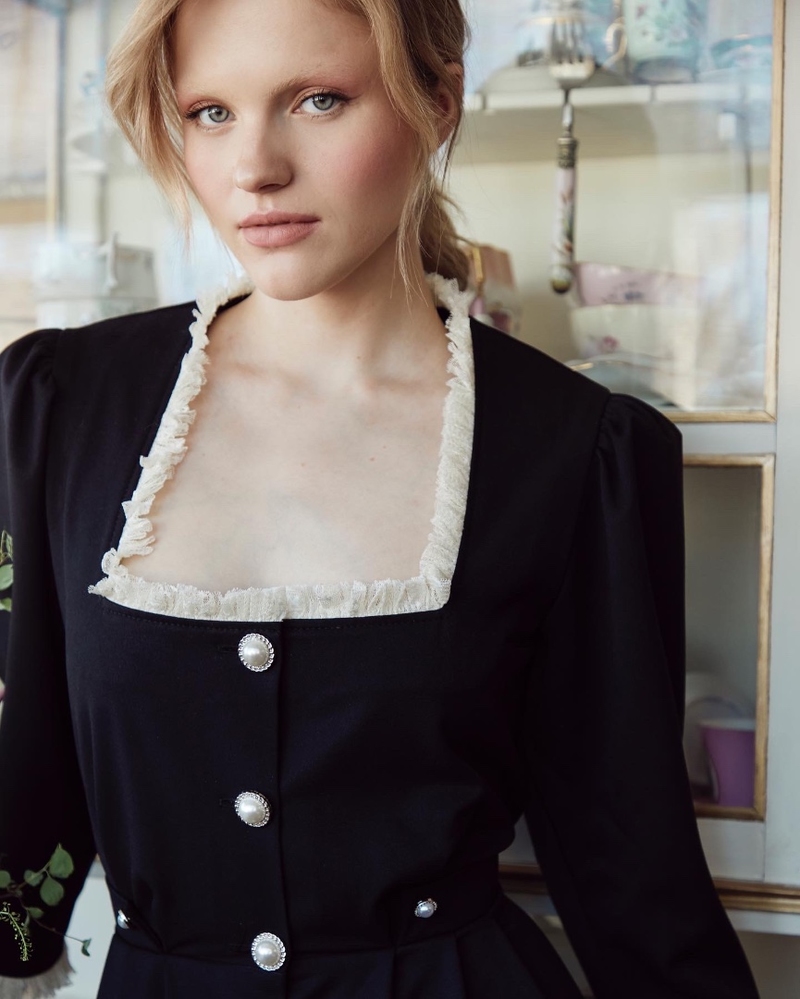
And these are all my refs
The fold can be created using the internal lines.
To get the kind of fold from your reference where it is folded at the top and loose at the bottom, The internal lines should not run all the way down to the end.
You would also need to mess with the settings of the internal lines
Fold Angle:
The internal line is folded towards the front of the pattern as the fold angle is closer to 0˚, and is folded into the back of the pattern as the angle is closer to 360˚.
Fold Strength:
The intensity of the fold is able to be set by adjusting the value of Fold Strength. The higher the value, the closer the fold is to the set angle. When a jacket and its lining are sewn together, the sewn area inflates due to the default sewing angle and intensity values. In this case, sets the Fold Strength to 0 to flatten the sewn boundaries.
Turning off Fold rendering will smooth out the normal of the geometry and the line will look smooth instead of a sharp fold.
I would also recommend you to join our discord channel, where you can get faster respond to your questions : [Discord Invite Link]
Best regards,
Marvelous Designer Support Team
I am extremely grateful for your help, I have been tormented with these questions for several days. And thanks to your community, I decided in a few hours.
But now I have a question how to use the function of the folds on the sleeve, I'm trying to draw lines to give them a direction, but since the semicircle I can't do it.... In this case, is there any tutorial on your website? Or you will advise something based on your rich experience) I apologize, I am not such an experienced user in your program, but I am very pleased that the developer has a great team that constantly monitors communication and assistance to his audience. I will once again be sincerely grateful for your help.
Respect,
Daniil
Since you are new to the software [I would recommend our YouTube tutorials.] Many of the tutorials cover the issues you have been specifically encountering. You are encountering "patterning" issues less than "software" issues. The next focus for your learning process should be to learn how to "make patterns" (aka "real life sewing type patterns" if you want to search for more resources) which is the basis for how to make clothes in Marvelous Designer.
Follow along while you watch the "beginner-follow along" playlist group and the "Beginner Stream" playlist, and you will learn these basics that you need! For the sleeves, watch the [wedding dress stream to get an extreme example of how sleeve wrinkles work]
Please sign in to leave a comment.