
Hello,
I have imported a room in real life measures (3,20 m high ceiling)
Maya units are cenitmeter and Marvelous Deigner, too.
But the pattern Winodw shows absolute wrong measurments. The cloth is more than 200cm. What's wrong here?
Please have a look at attached screenshots, thanks

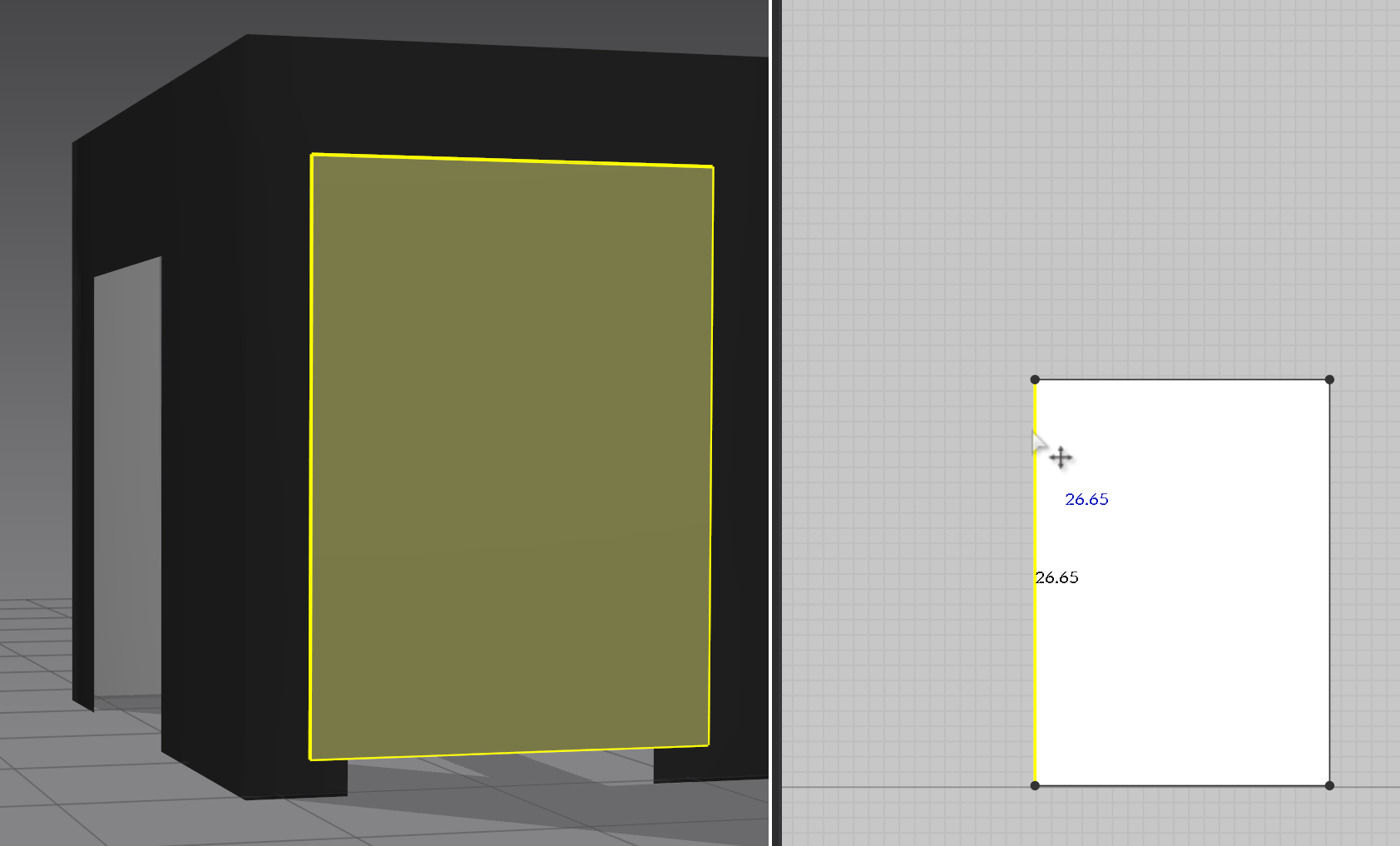
Is this the scene after you changed the units to CM then closed and re-opened the software? and can you show us the in-app height of that obj? it just looks like you imported it at too small of a scale. you can also compare by import>add ---ing into the scene one of our default avatars. those avatars are about 1600mm so if its closer to them in height then its likely imported too small.
https://www.youtube.com/watch?v=-F1vEhYammI&t=13s&pp=ygUbbWFydmVsb3VzIGRlc2lnbmVyIHRvbyBzbWFs here
Here is a video on troubleshooting "soo small" scale imported avatars but it can help explain things. I have a feeling the object might have been imported at the mm setting instead of the CM setting. EITHER way, play around with the import options to see which one imports at the correct scale for you
Yes I did a mistake at importing it with mm.
Thanks
Please sign in to leave a comment.